All /
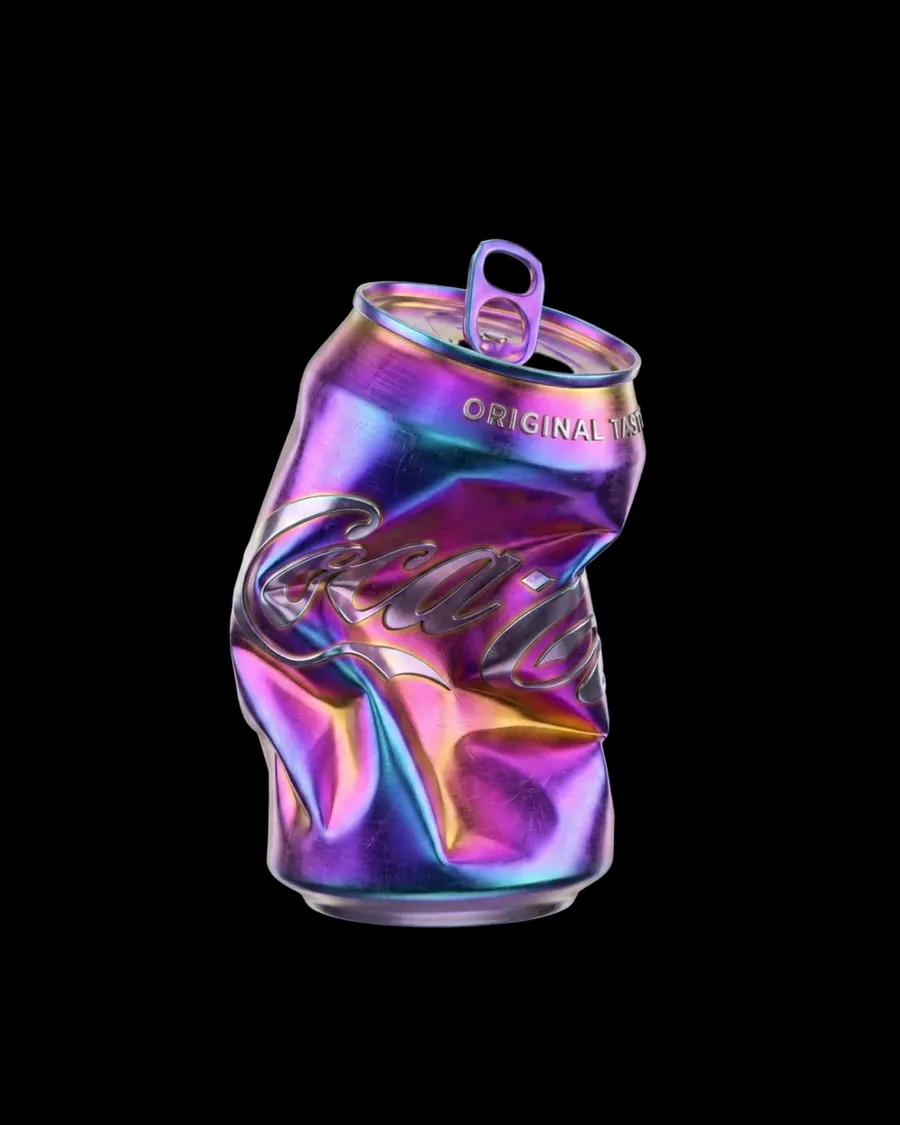
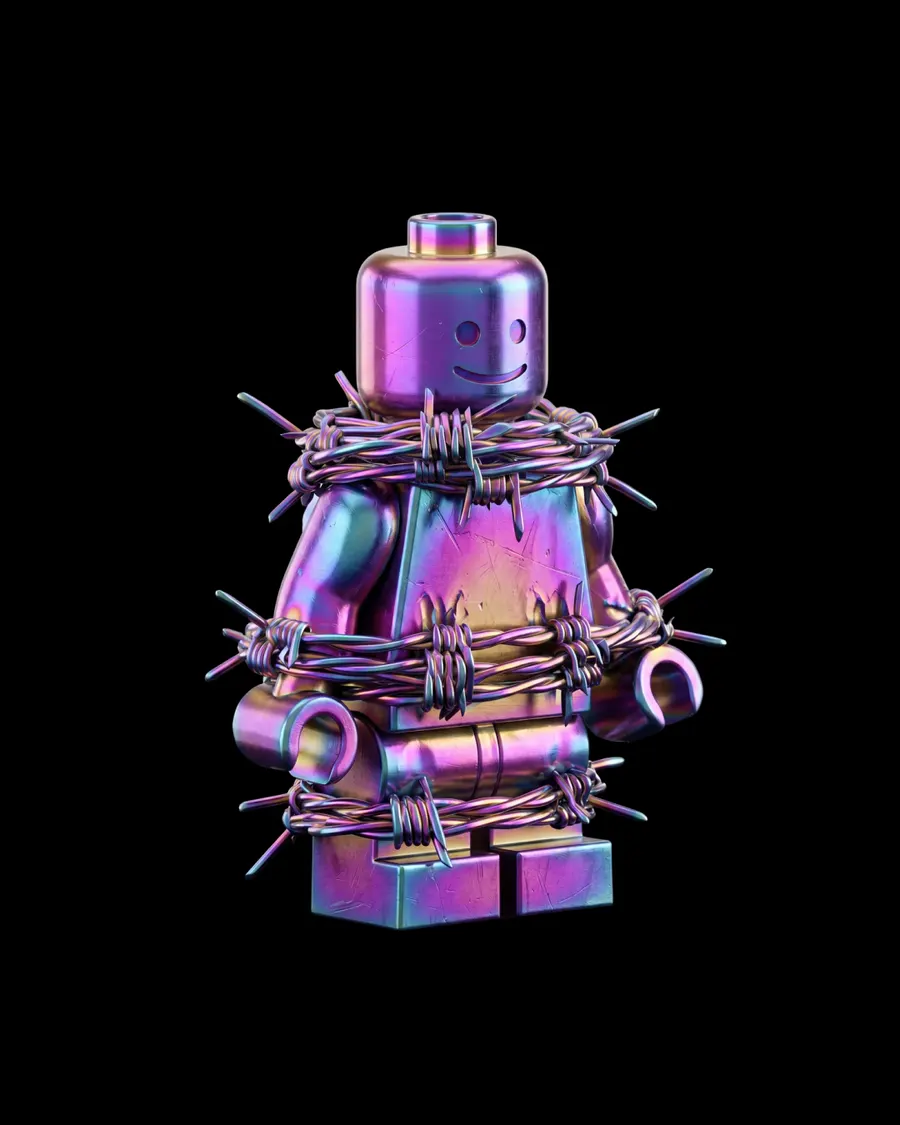
Rainbow Metal
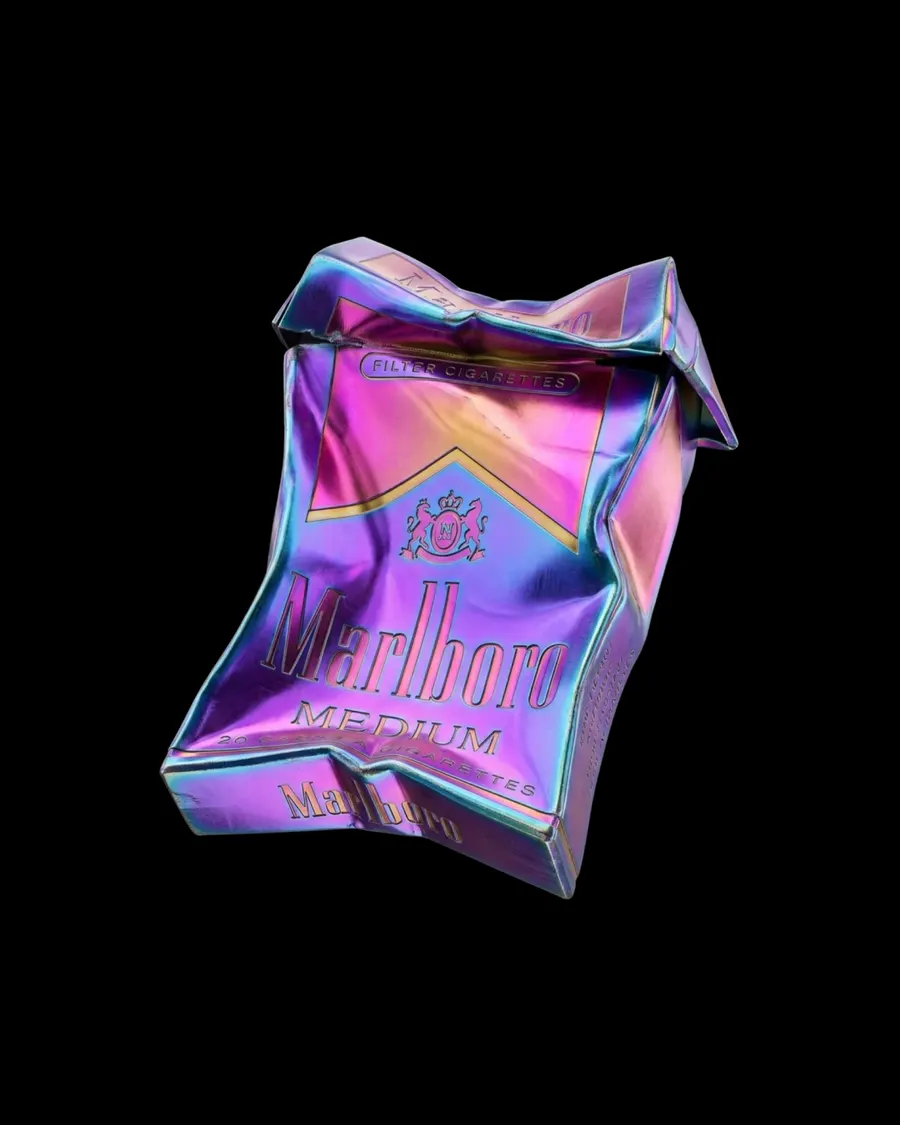
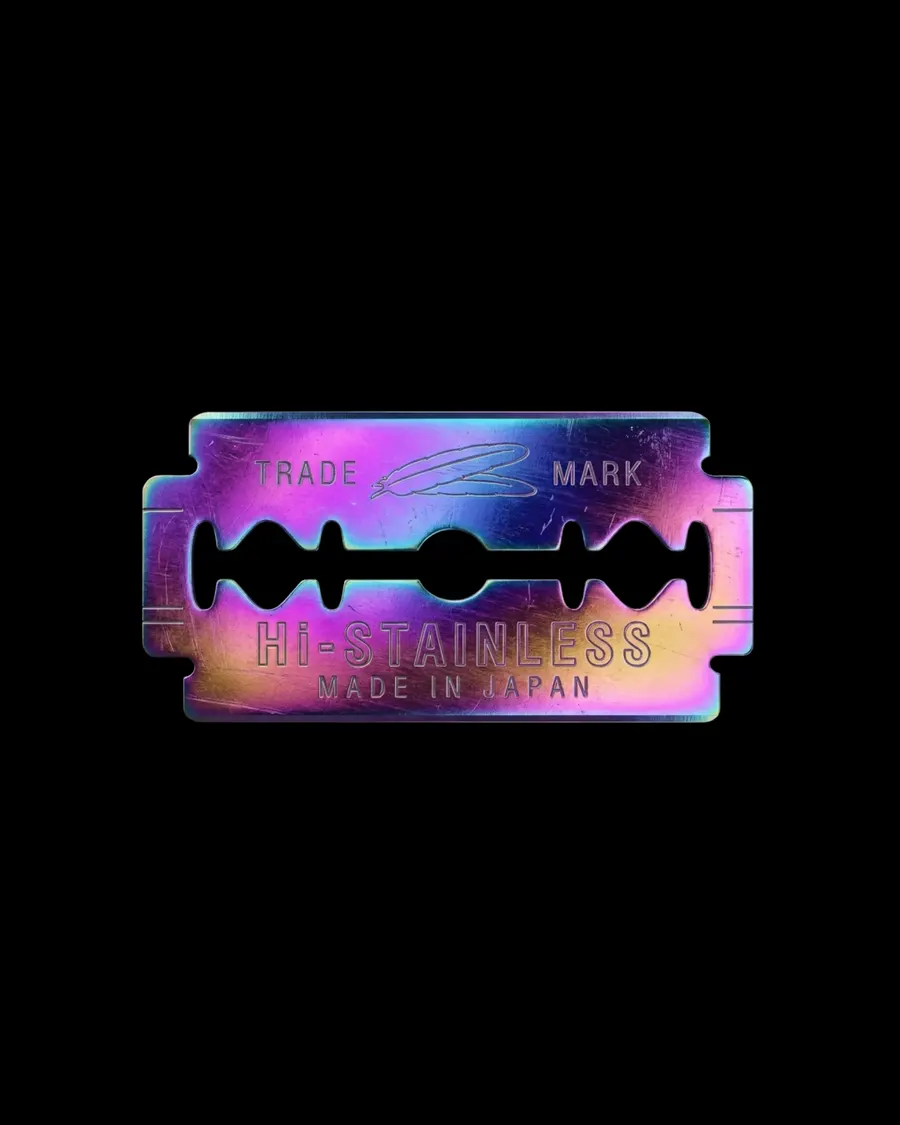
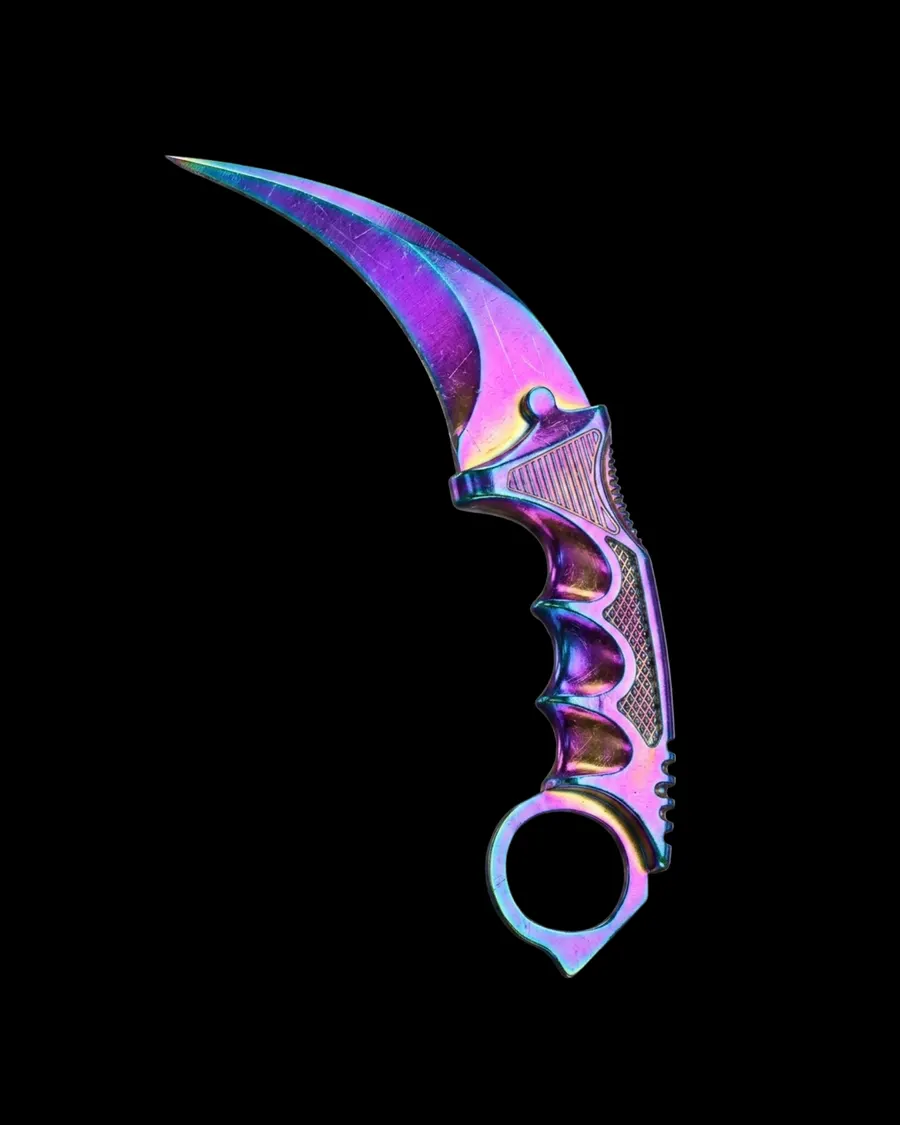
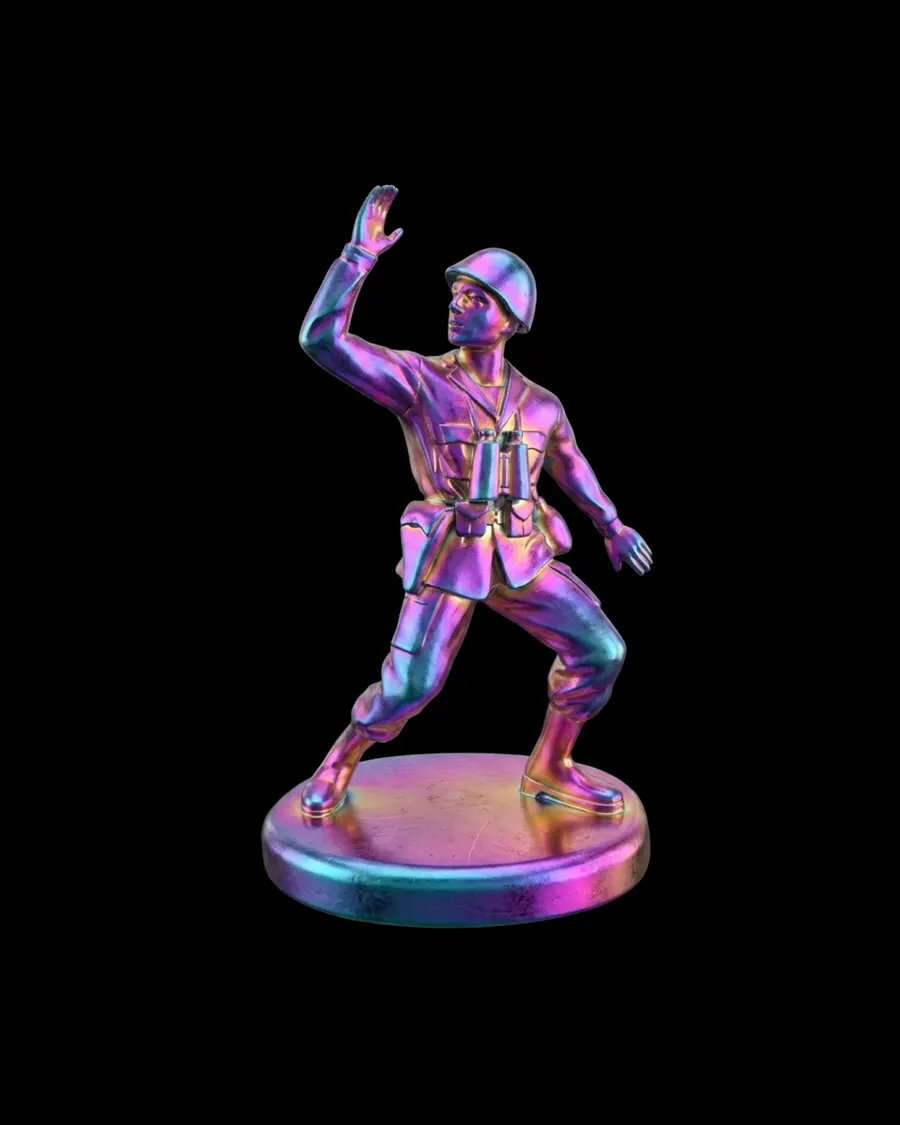
{ "task": "Transform the attached image into a 3D object made of iridescent anodized titanium-chrome metal with vivid spectral color shifting, polished machined surfaces, and premium heat-treated interference coating.", "preserve": "Preserve the original shape, proportions, silhouette, geometry, structural details, overall composition, and all visible text, letters, numbers, labels, engravings, logos, and markings exactly as in the input image." "material": { "type": "anodized titanium / polished interference-coated metal", "description": "high-end machined metallic material with ultra-smooth industrial finishing and vibrant oil-slick spectral coloration caused by thin-film interference coating, resembling heat-treated titanium or anodized aerospace alloy", "physical_feel": "dense, cold, rigid, premium precision-machined metal with solid mass and engineered structural integrity", "density": "fully opaque metallic material with no translucency" }, "structure": { "form": "solid precision-machined metallic object", "volume": "dense continuous metal body with smooth engineered transitions and controlled curvature", "edges": "clean CNC-machined beveled edges with subtle micro-softening from polished finishing", "silhouette": "fully preserved from original geometry", "construction": "single-piece industrial metal fabrication with seamless structural continuity" }, "surface": { "finish": "semi-polished to polished metallic finish", "texture": "smooth reflective industrial metal with visible fine abrasion marks and subtle wear from handling", "imperfections": "micro-scratches, faint machining marks, delicate brushed streaking, tiny scuffs, subtle coating inconsistencies", "roughness": "low roughness with selective soft diffusion across worn areas" }, "color_palette": { "primary_violet": "#7B2DFF", "electric_magenta": "#D100FF", "cyan_blue": "#00D9FF", "deep_ultramarine": "#1A2BFF", "warm_gold": "#F4B000", "hot_pink": "#FF3EA5", "metallic_lavender": "#A86BFF" }, "color_behavior": { "mode": "dynamic iridescent interference shifting", "description": "colors must transition fluidly across the surface depending on curvature, reflection angle, and light incidence, creating rainbow spectral banding typical of anodized titanium and heat-treated polished alloys", "distribution": "non-uniform flowing gradients wrapping naturally around geometry", "variation": "localized warm gold transitions into cyan, magenta, violet, and electric blue depending on form orientation" }, "optical_behavior": { "reflectivity": "high metallic reflectivity with softened premium specular response", "light_response": "strong directional highlights with rich spectral reflection breakup", "refraction": "none", "metallic_behavior": "true conductive metal reflections with vivid interference coating coloration", "specular_quality": "sharp but slightly softened premium industrial highlights" }, "internal_structure": { "composition": "solid homogeneous aerospace-grade metal core", "material_depth": "consistent dense metallic mass throughout", "cross_section_behavior": "same iridescent metallic material continues through all exposed edges and internal surfaces" }, "micro_detail": { "surface_noise": "extremely subtle industrial micro abrasion", "coating_variation": "microscopic interference film inconsistencies creating realistic spectral irregularity", "wear_pattern": "light handling wear and premium used-metal realism without degradation", "detail_density": "high" }, "reflections": { "type": "controlled studio metallic reflections", "intensity": "high", "quality": "premium clean specular reflections with soft environmental falloff", "behavior": "reflections should emphasize curvature and spectral material richness without becoming mirror-perfect chrome" }, "lighting": { "setup": "high-contrast studio lighting", "style": "premium product photography illumination", "key_light": "strong directional key light to reveal metallic curvature and spectral interference", "fill_light": "controlled soft fill preserving contrast", "rim_light": "subtle edge lighting to define silhouette and metallic form separation" }, "rendering": { "style": "ultra-realistic product render", "engine": "octane render style", "quality": "8K cinematic realism", "material_accuracy": "physically based rendering (PBR)", "focus": "extreme material realism with premium industrial product visualization" }, "background": "pure black (#000000)", "composition": "centered, isolated object" }
More prompts
See all







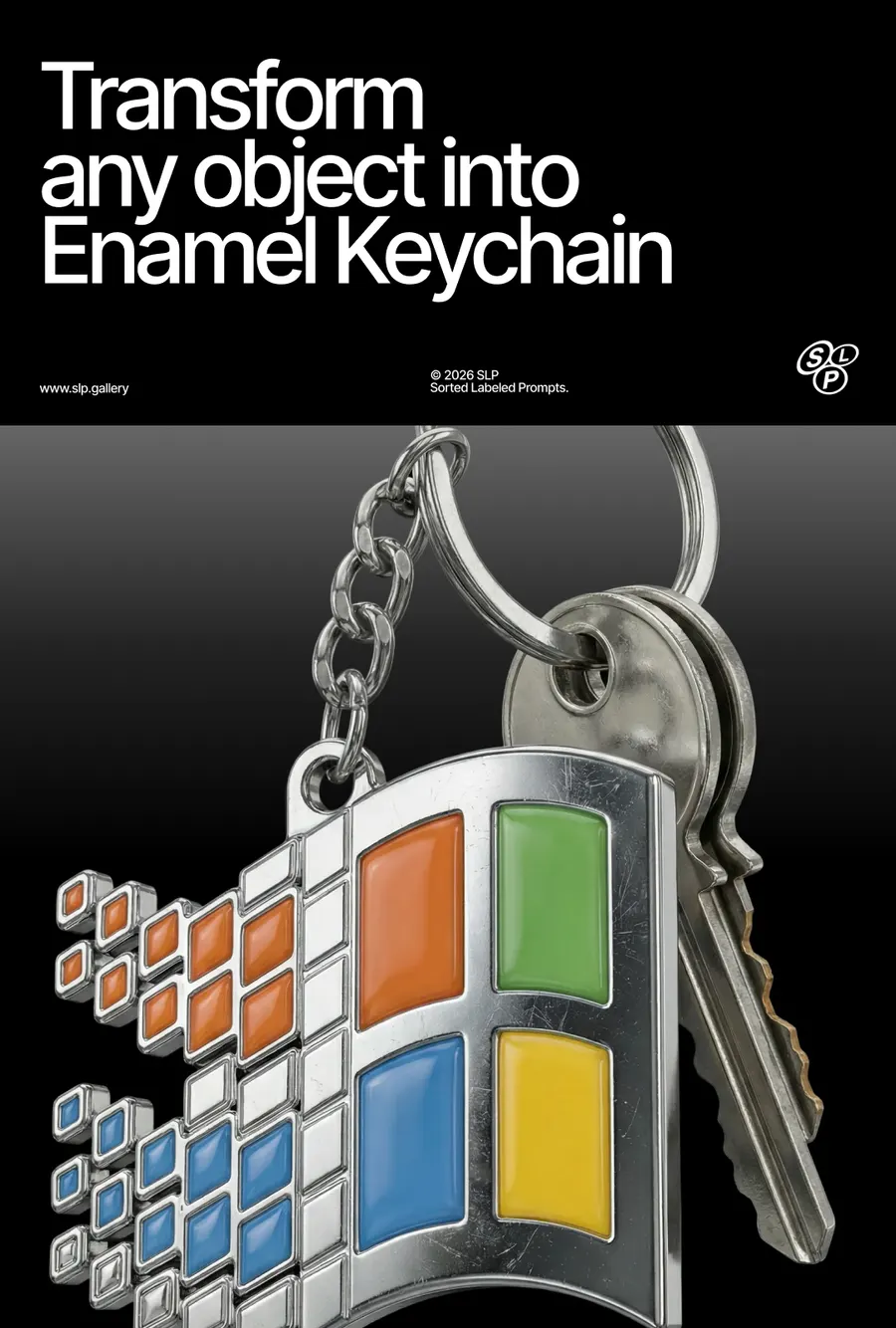

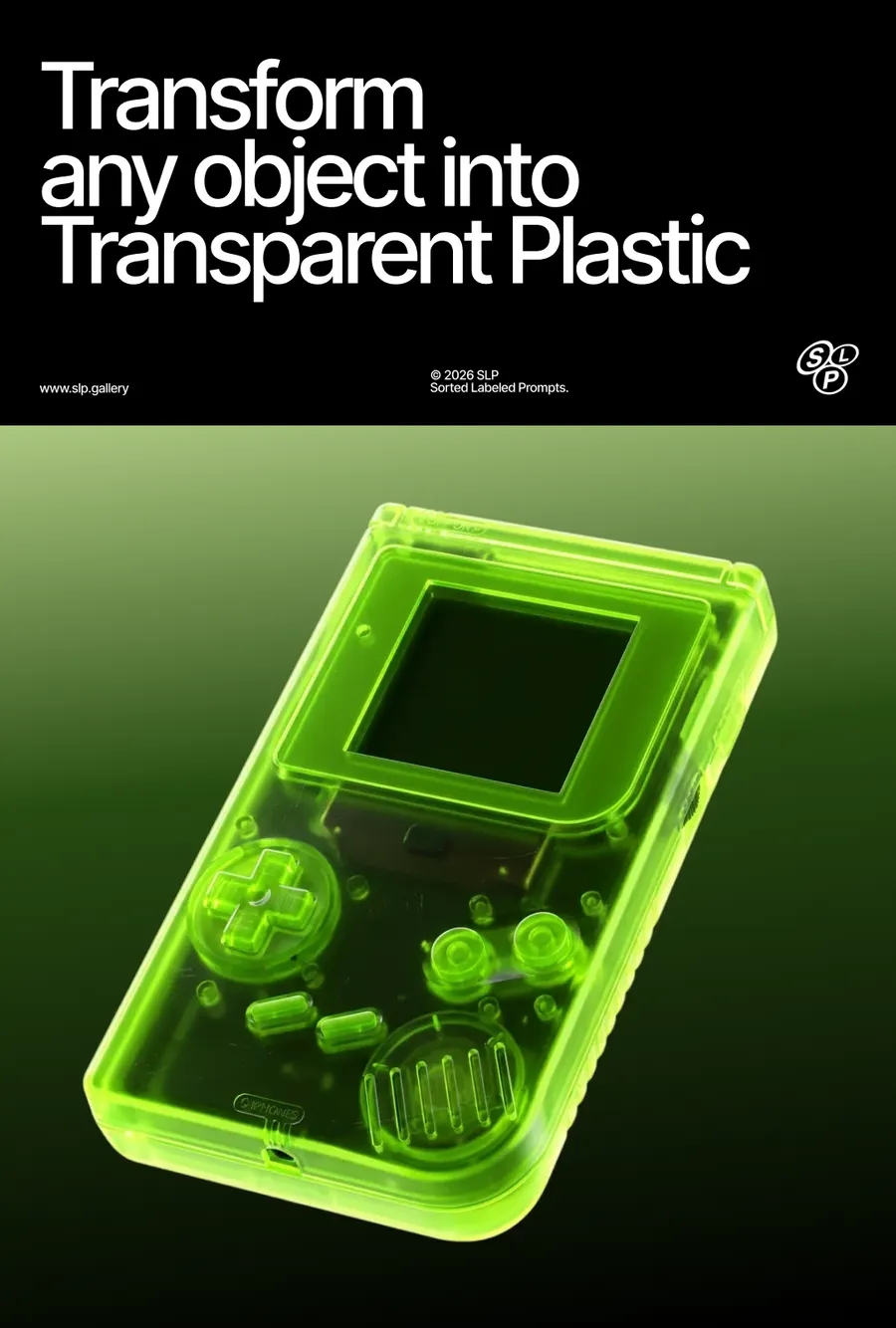

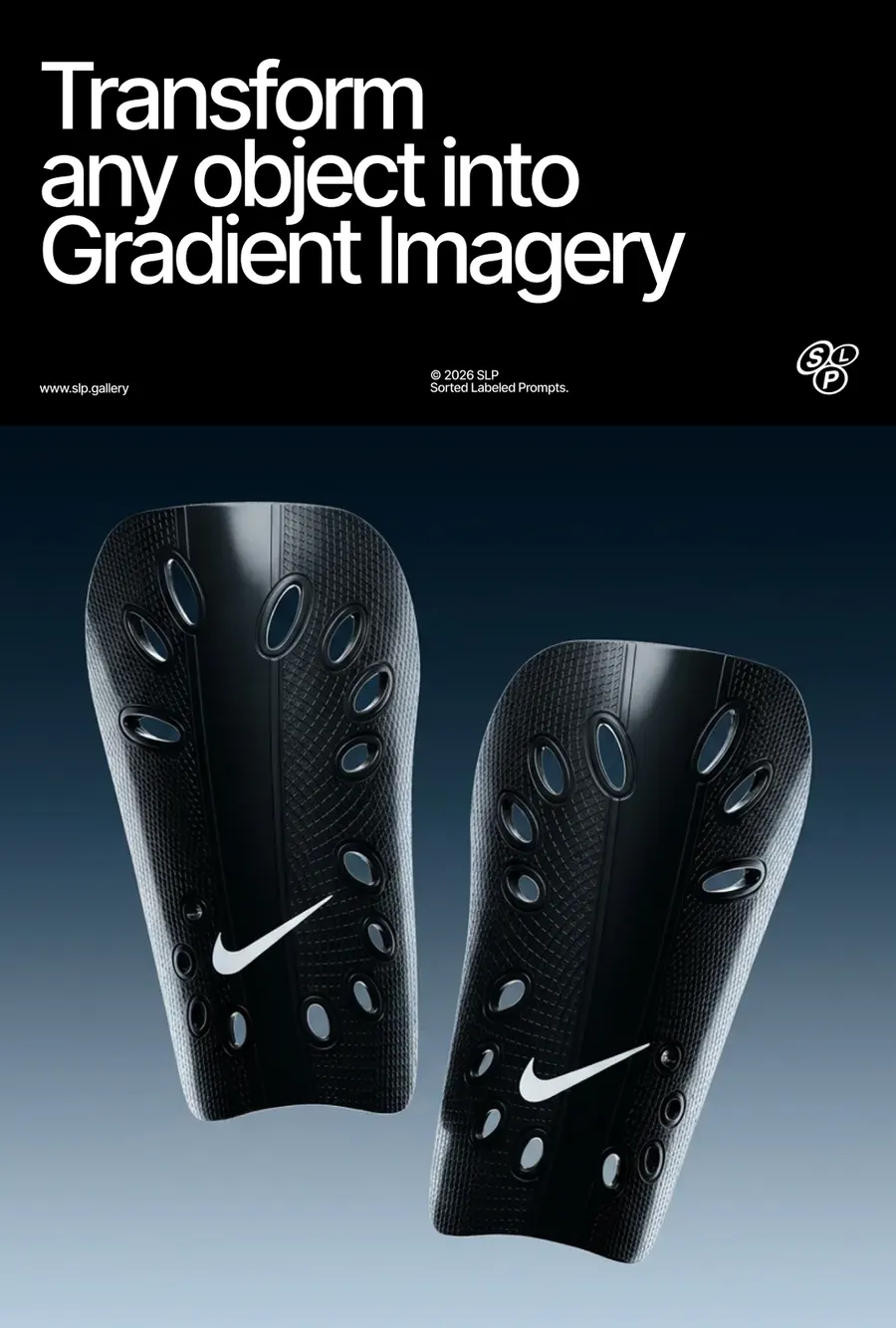



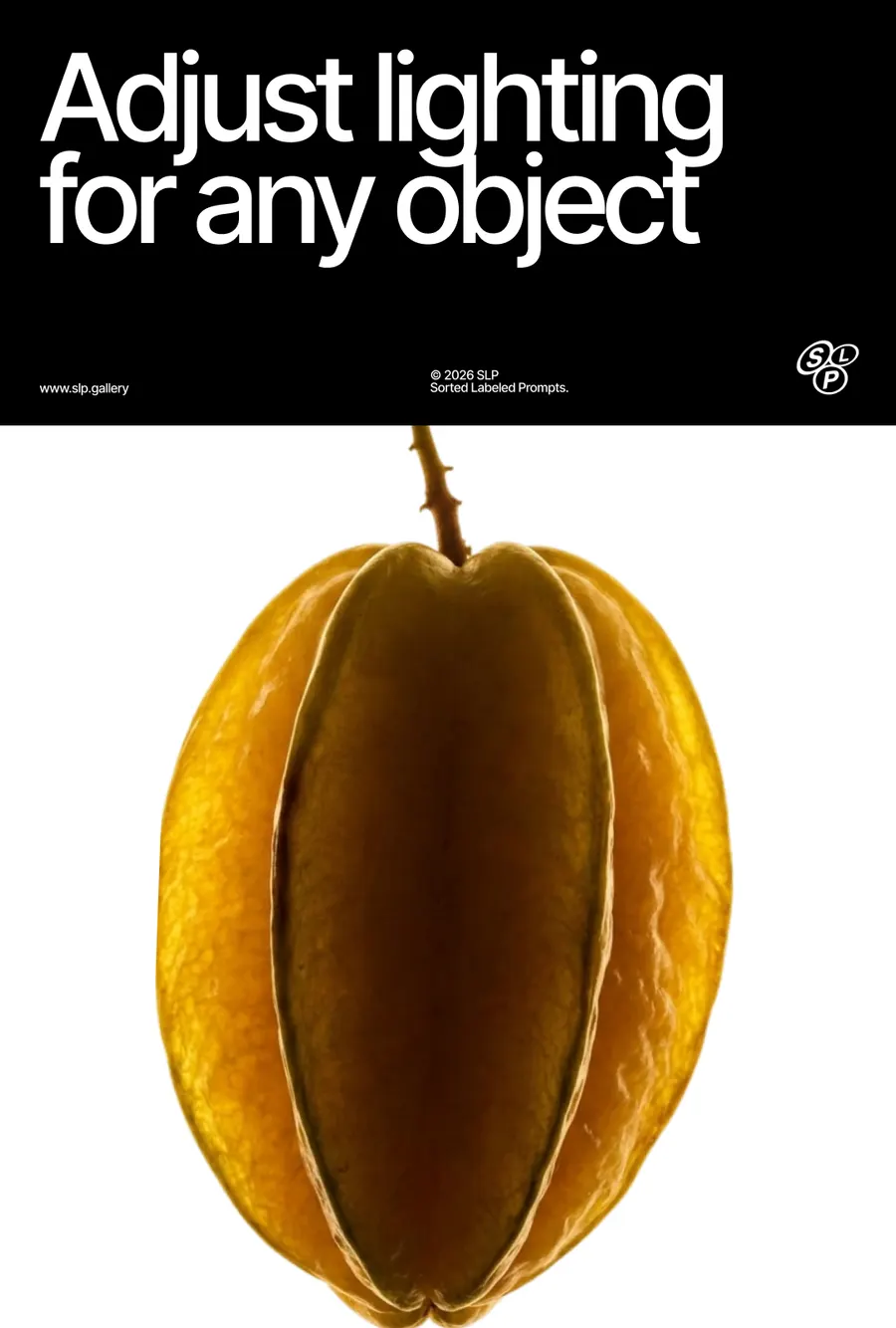

FAQ
If you've generated an image in Midjourney and you're not happy with the background, the angle, or the details of the object itself, the easiest way to edit it is using Images 2.5 or Nano Banana Pro. Use a simple prompt and describe only what you want to change — for example
For a 360° turntable animation I use Kling 2.5 Turbo on Higgsfield — it gives the best results. You can also use Midjourney's animation, but its quality is noticeably worse.
I use a simple prompt:
If you're generating in Midjourney, don't enable the Loop feature — right now it produces buggy results.
On a free Google Flow account, by my own count: roughly 250 generations every 24 hours on Nano Banana 2, around 10 to 20 on Nano Banana Pro, and about 250 again on Nano Banana 2 Lite, which carries an allowance of its own. All three reset on a 24-hour cycle, and a refused generation is not charged.
Everything here was made mostly on Nano Banana 2. Between it and Pro I can't see much difference in the picture, so the cheaper one is usually the right choice. Lite follows a prompt less closely and needs more retries.
Have a question? Just DM @slp.gallery