All /
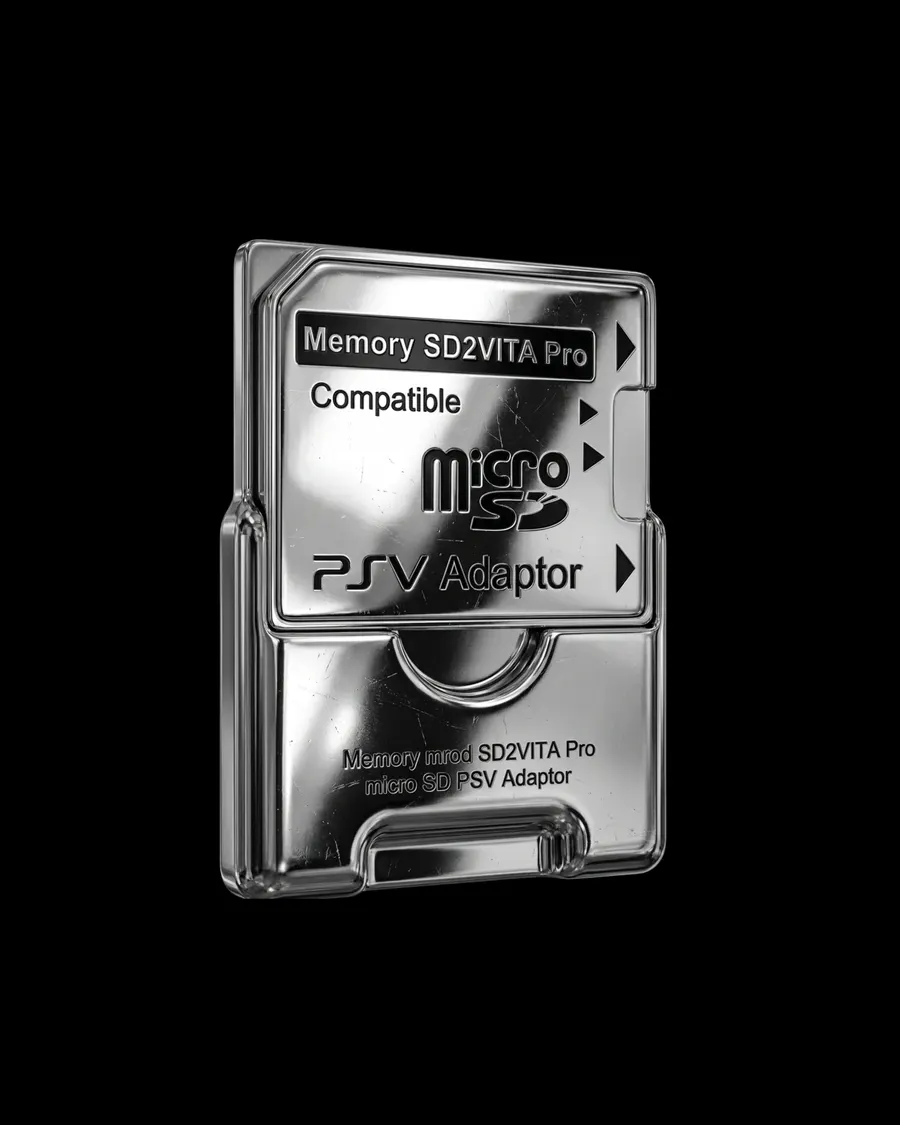
Chrome Steel
{
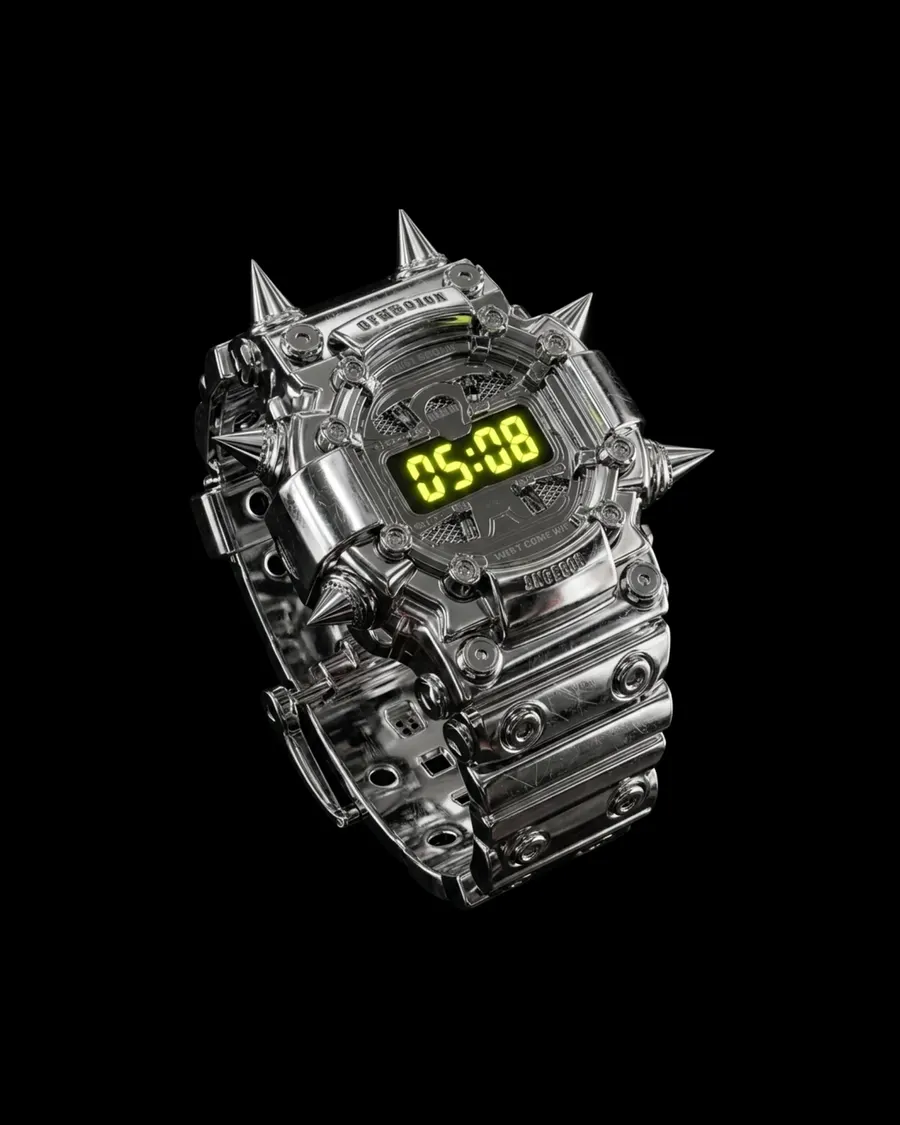
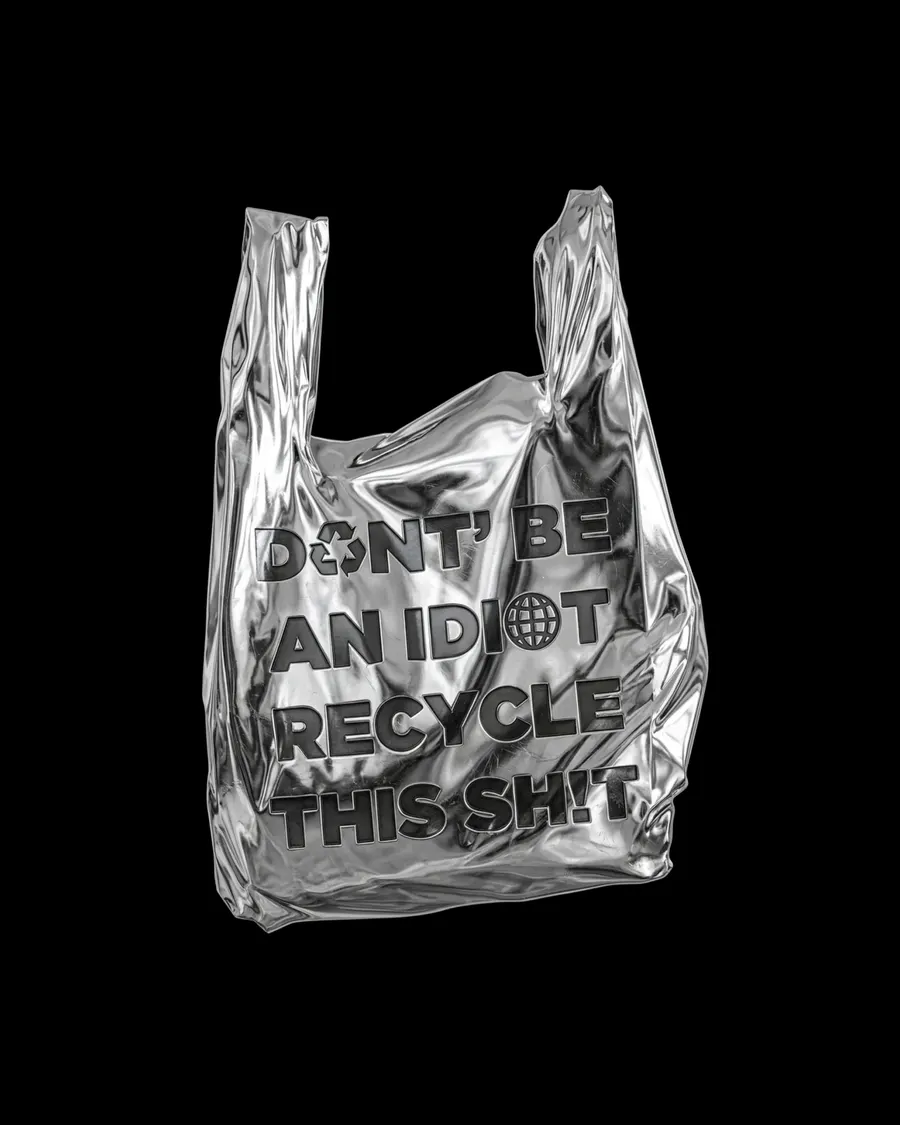
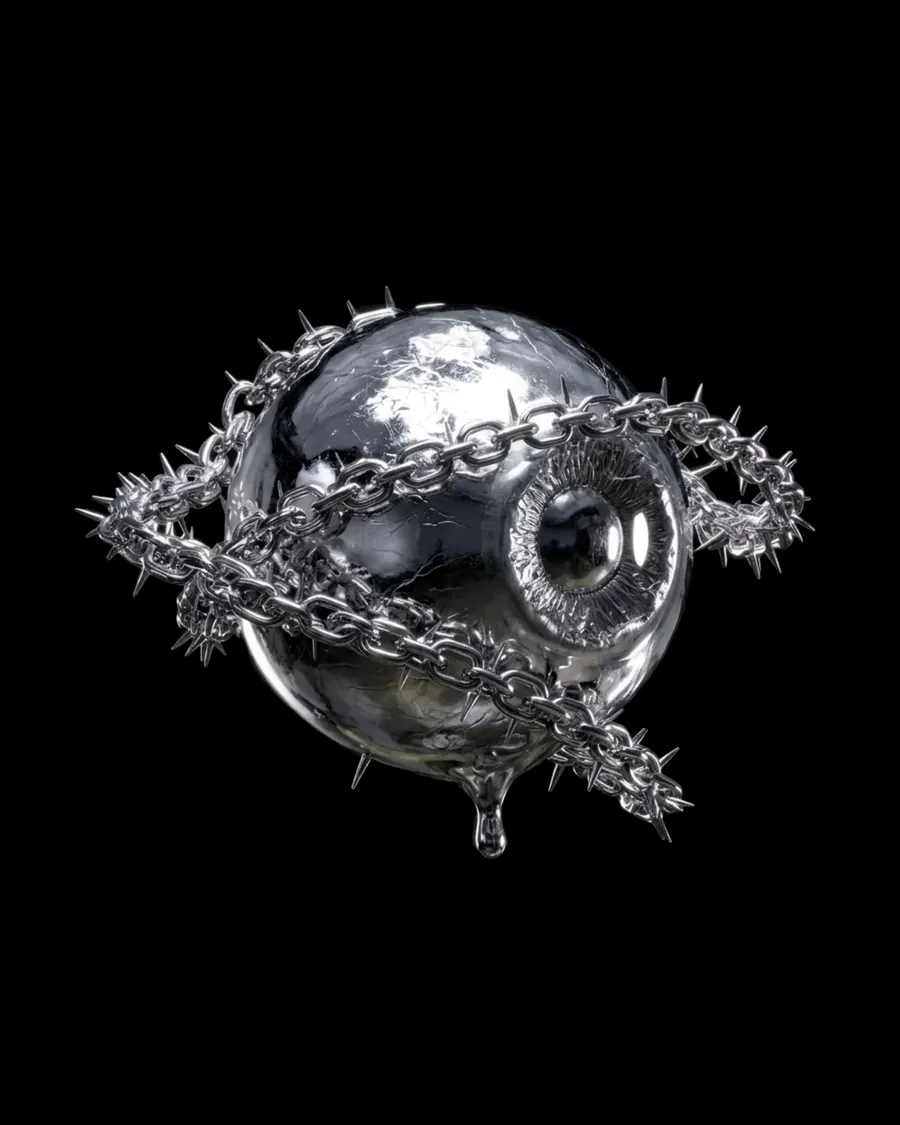
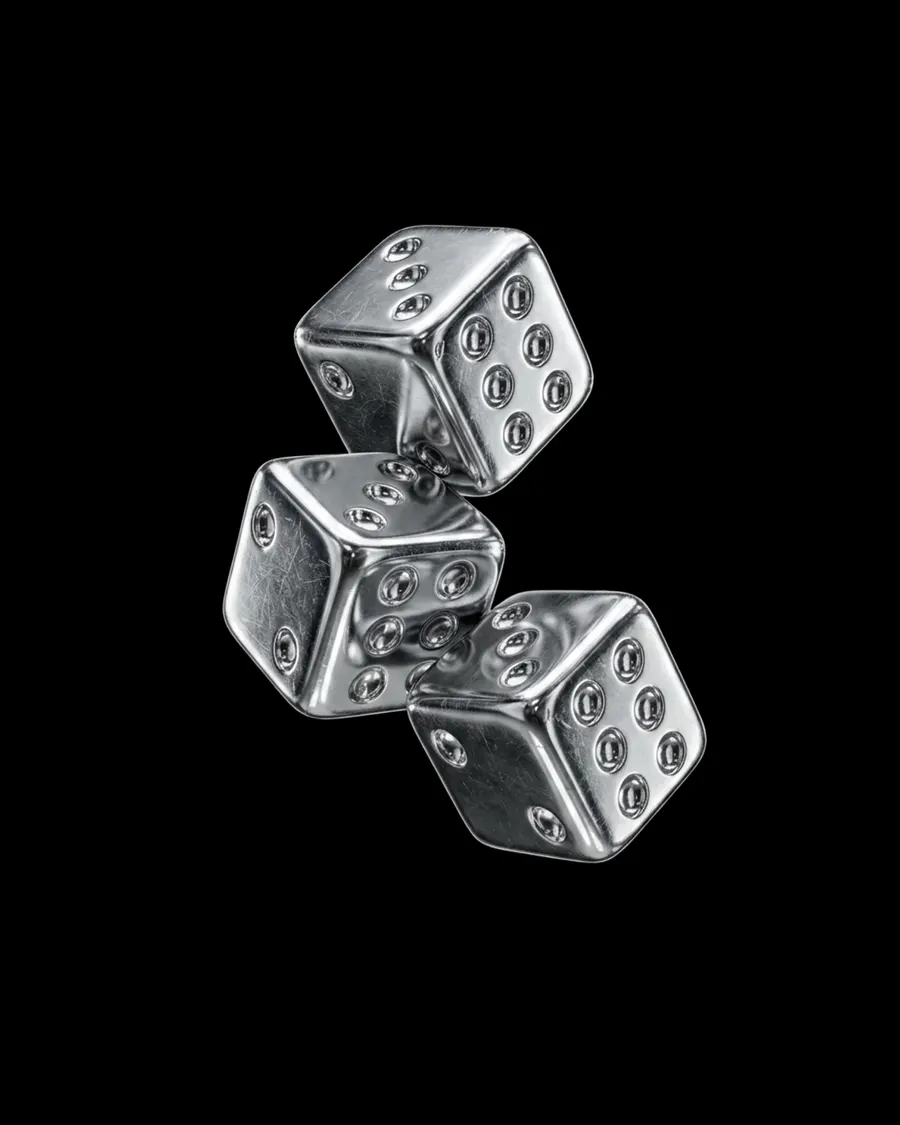
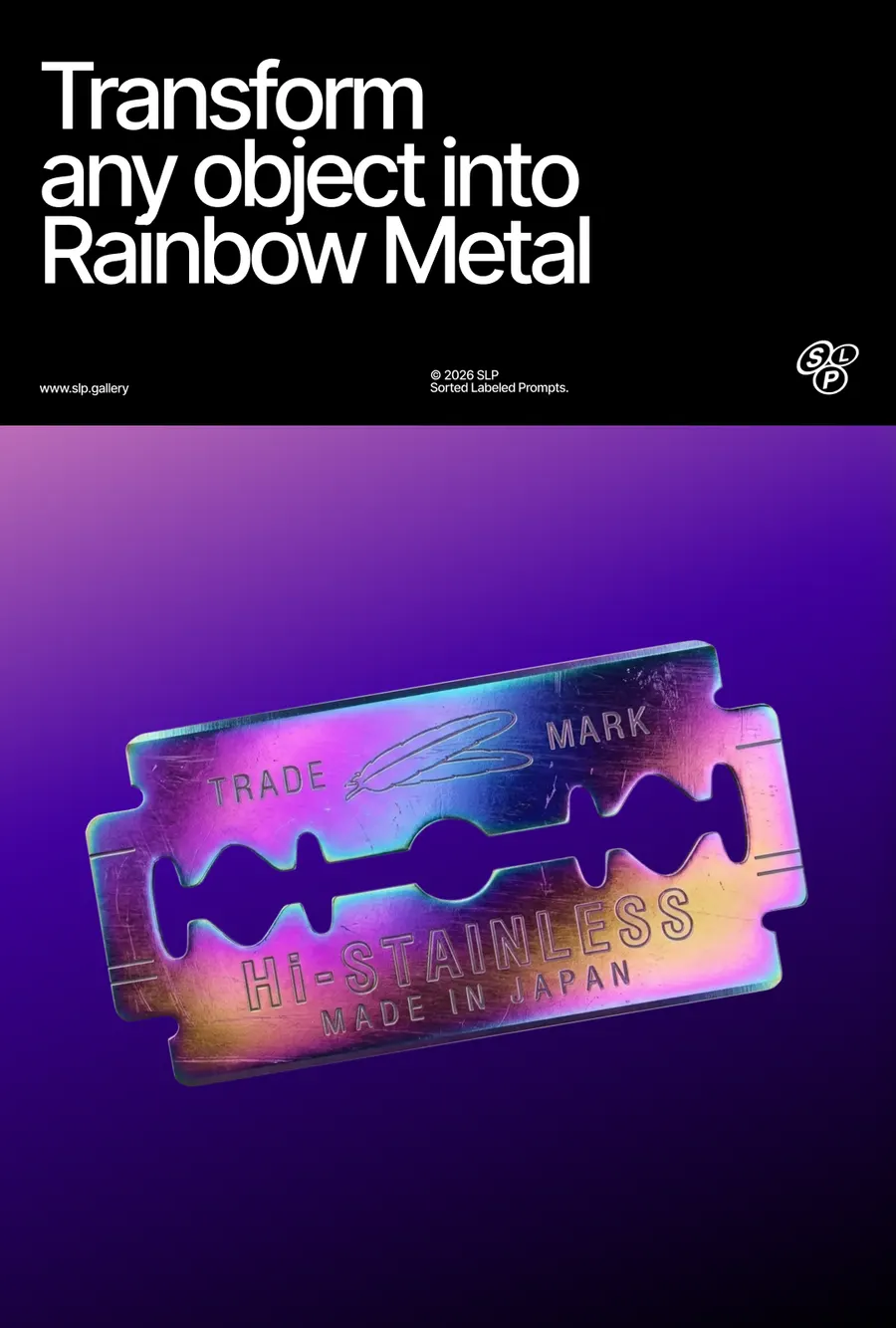
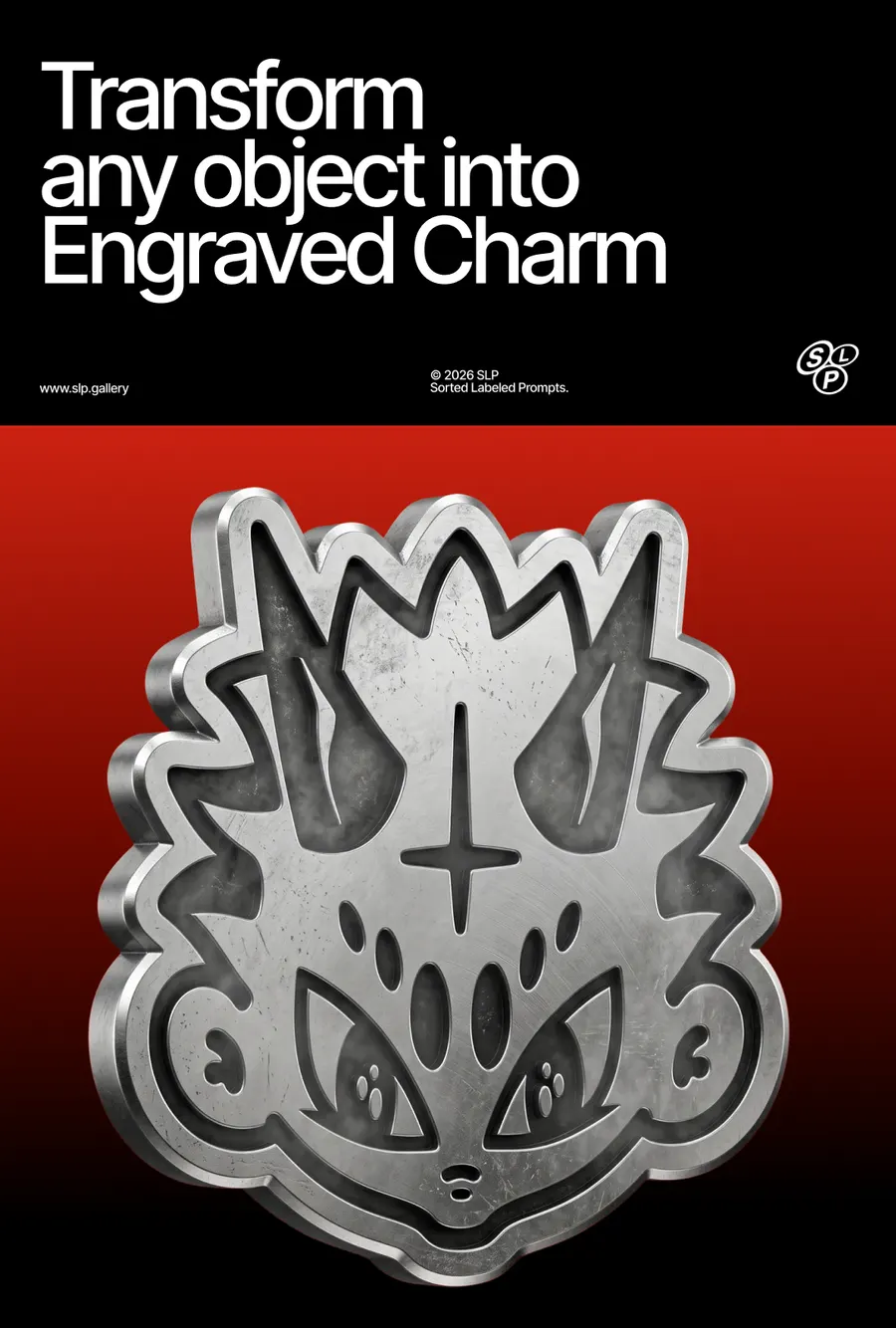
  "task": "Transform the attached image into a 3D object made of polished chrome steel with mirror-like reflections and fine surface wear.",
  "preserve": "Preserve the original shape, proportions, silhouette, details, and composition exactly as in the input image.",
  "material": {
    "type": "polished chrome steel",
    "description": "highly reflective forged steel with a smooth mirror-like finish, exhibiting subtle signs of use such as micro scratches and light abrasion across the surface",
    "physical_feel": "cold, dense, and extremely hard metal with a rigid industrial and armor-like presence",
    "density": "fully opaque, solid metallic mass with high reflectivity"
  },
  "structure": {
    "form": "solid forged metal construction",
    "volume": "continuous curved metal plates forming a unified structure",
    "edges": "smooth, slightly rounded edges with precise mechanical transitions",
    "silhouette": "fully preserved from original geometry"
  },
  "surface": {
    "finish": "high-gloss mirror polish",
    "texture": [
      "polished metal planes",
      "fine micro scratches",
      "light surface abrasions",
      "subtle scuff marks",
      "precision-machined smooth areas"
    ],
    "behavior": "surface reflects the environment sharply with slight distortion from curvature and wear patterns"
  },
  "color_palette": {
    "pure_white_highlight": "#FFFFFF",
    "light_silver": "#D9D9D9",
    "mid_silver": "#A6A6A6",
    "dark_steel": "#5A5A5A",
    "deep_shadow": "#1A1A1A",
    "black_reflection": "#000000"
  },
  "color_behavior": [
    "color is driven primarily by reflections rather than inherent pigmentation",
    "bright white highlights appear on curved reflective areas",
    "mid and dark grays form across transitional surfaces",
    "deep shadows and black tones appear in occluded and reflective regions",
    "subtle tonal shifts are caused by surface curvature and micro wear",
    "no flat color — full reliance on reflective gradients"
  ],
  "optical_behavior": {
    "reflectivity": "extremely high",
    "diffusion": "very low diffuse component",
    "specularity": "sharp, mirror-like reflections",
    "distortion": "slight distortion due to curvature and surface imperfections",
    "contrast": "strong contrast between highlights and shadows"
  },
  "internal_structure": {
    "visibility": "not visible",
    "depth": "perceived through reflection and curvature",
    "composition": "solid homogeneous metal body"
  },
  "micro_detail": {
    "grain": "very fine metallic grain",
    "imperfections": [
      "micro scratches",
      "fine abrasion marks",
      "polishing streaks",
      "minor surface wear",
      "tiny dents around edges"
    ],
    "patterns": "randomized wear patterns with slight directional polishing traces",
    "noise": "low to medium frequency detail"
  },
  "reflections": {
    "intensity": "extreme",
    "type": "sharp mirror reflections with bright specular hotspots",
    "contrast": "high dynamic range reflections with strong highlight bloom"
  },
  "lighting": {
    "style": "high-contrast studio lighting",
    "behavior": "multiple bright light sources creating intense specular highlights and reflective gradients",
    "contrast": "strong highlights with deep shadow falloff emphasizing form and curvature"
  },
  "rendering": {
    "quality": "ultra high-detail 3D render",
    "focus": "accurate representation of polished metal reflections, curvature, and surface wear"
  },
  "background": "pure black (#000000)",
  "composition": "centered, isolated object"
}More prompts
See all



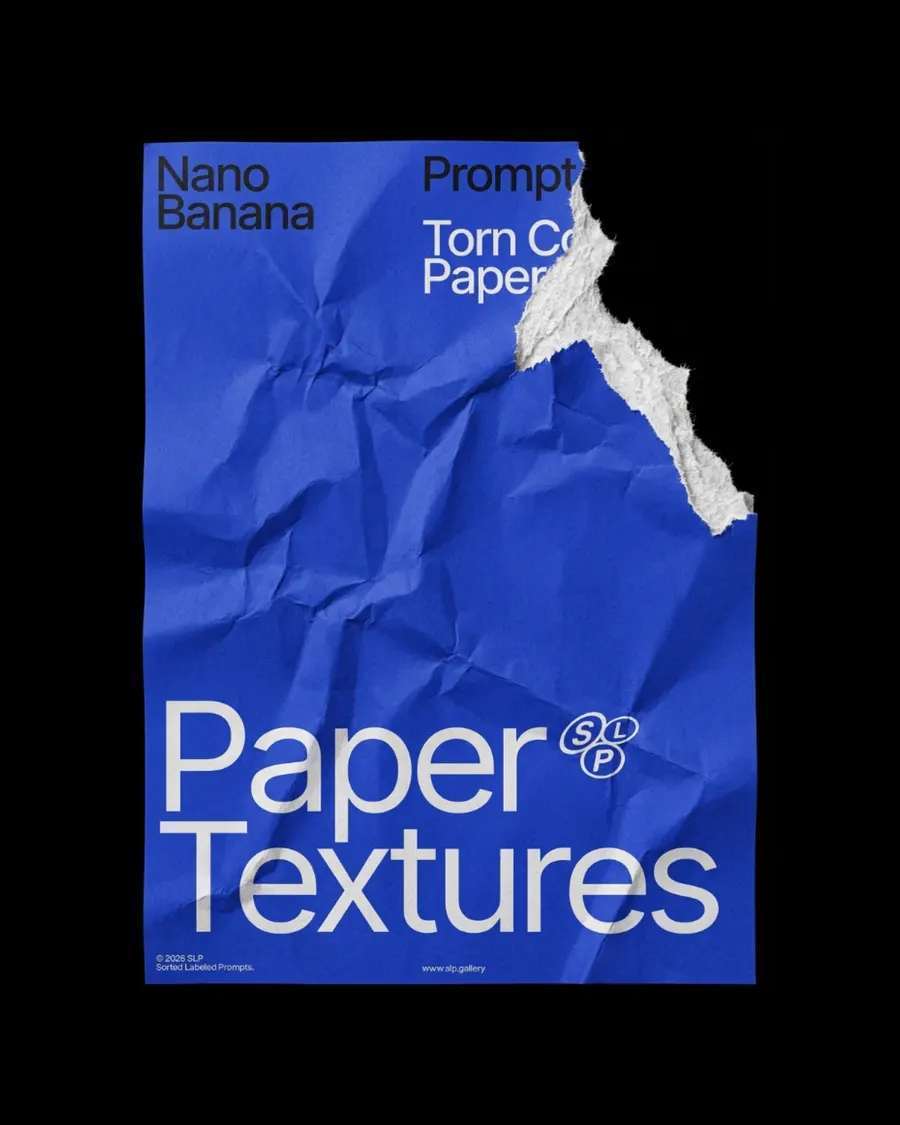
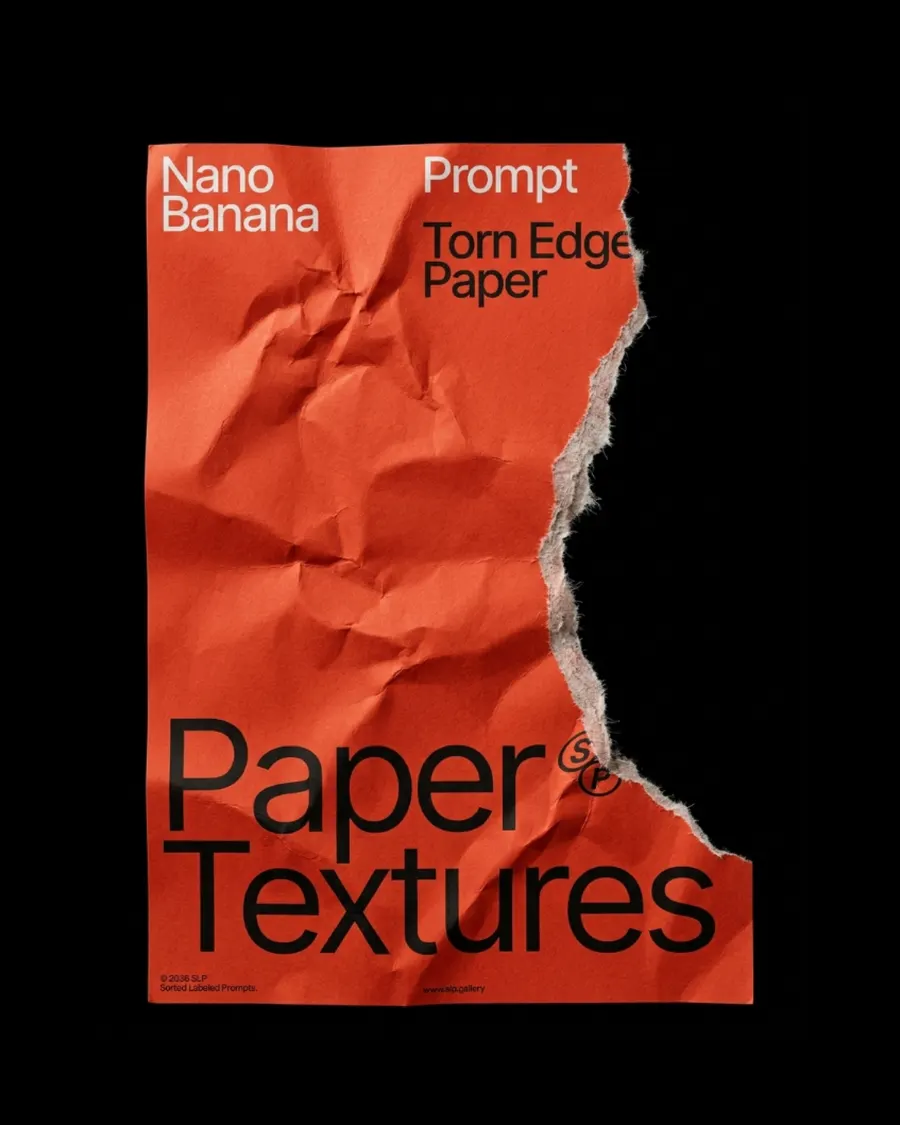
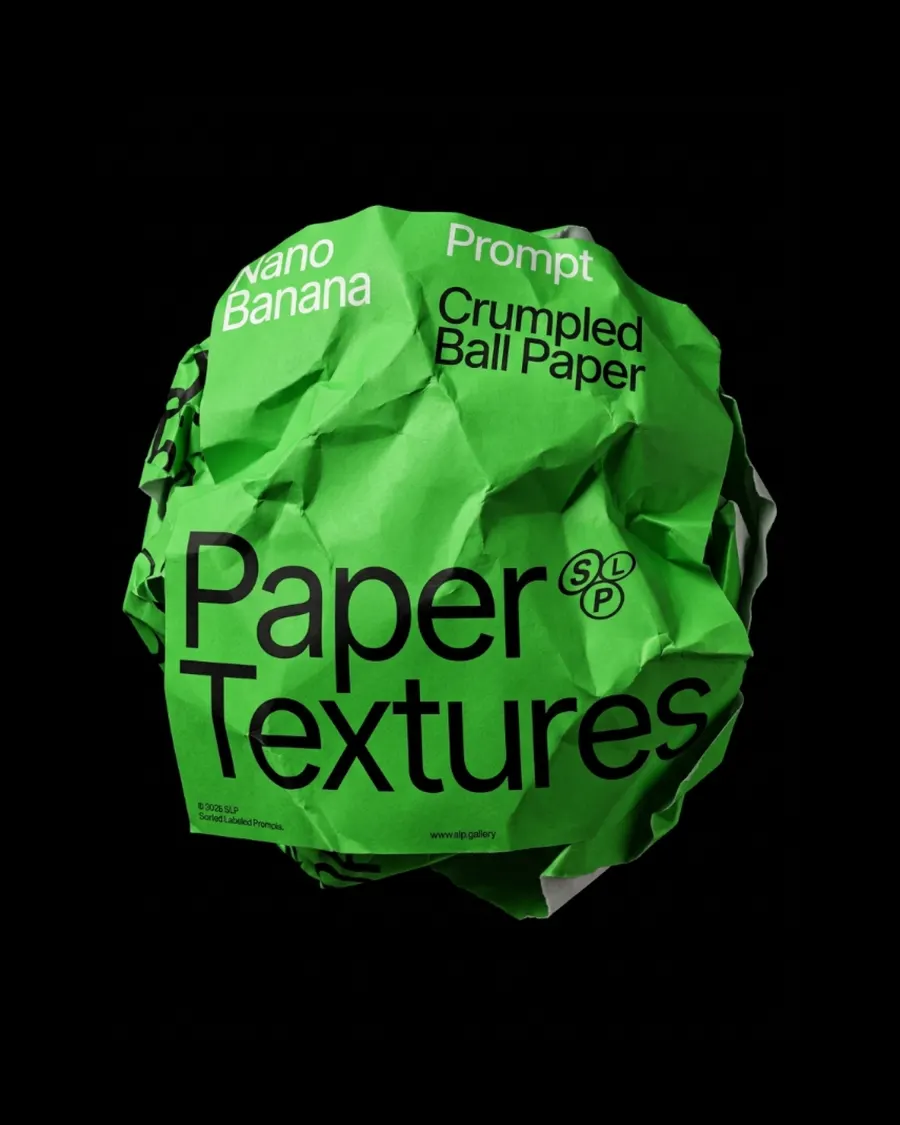
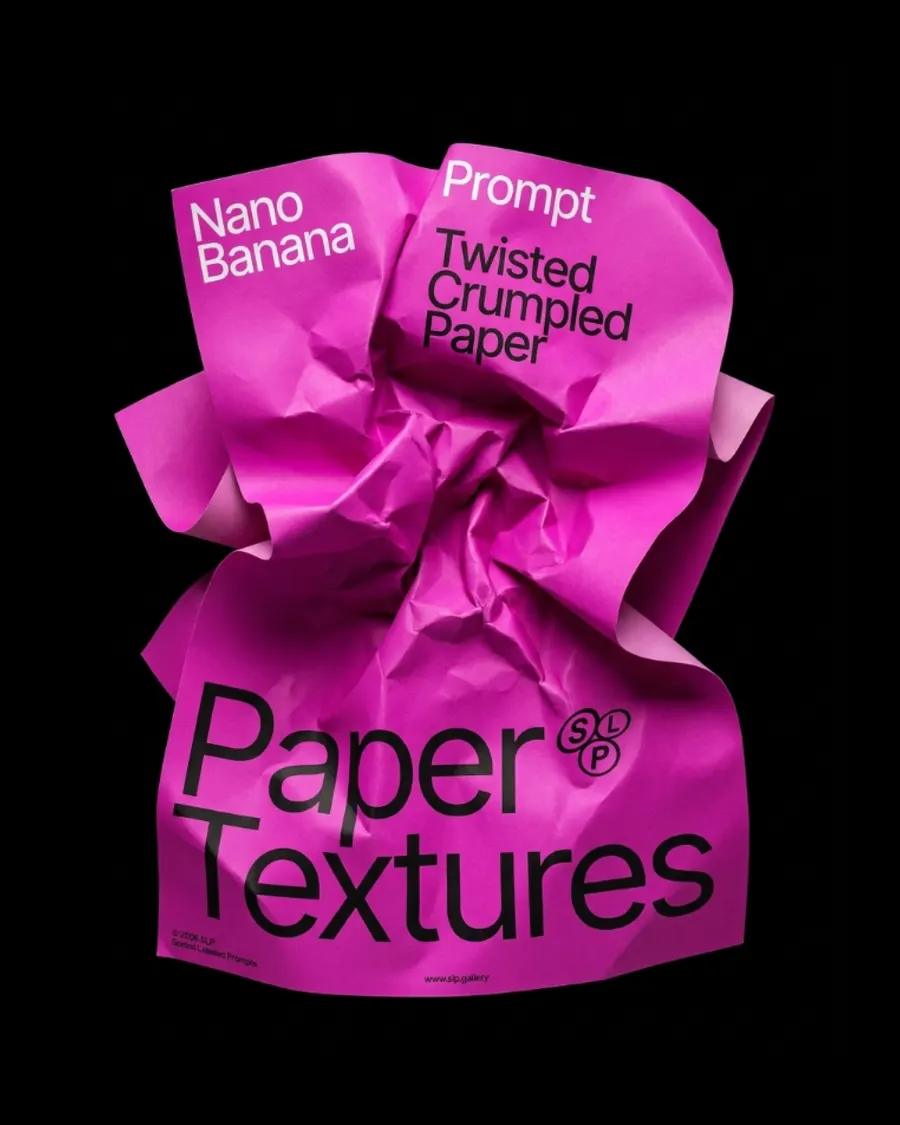

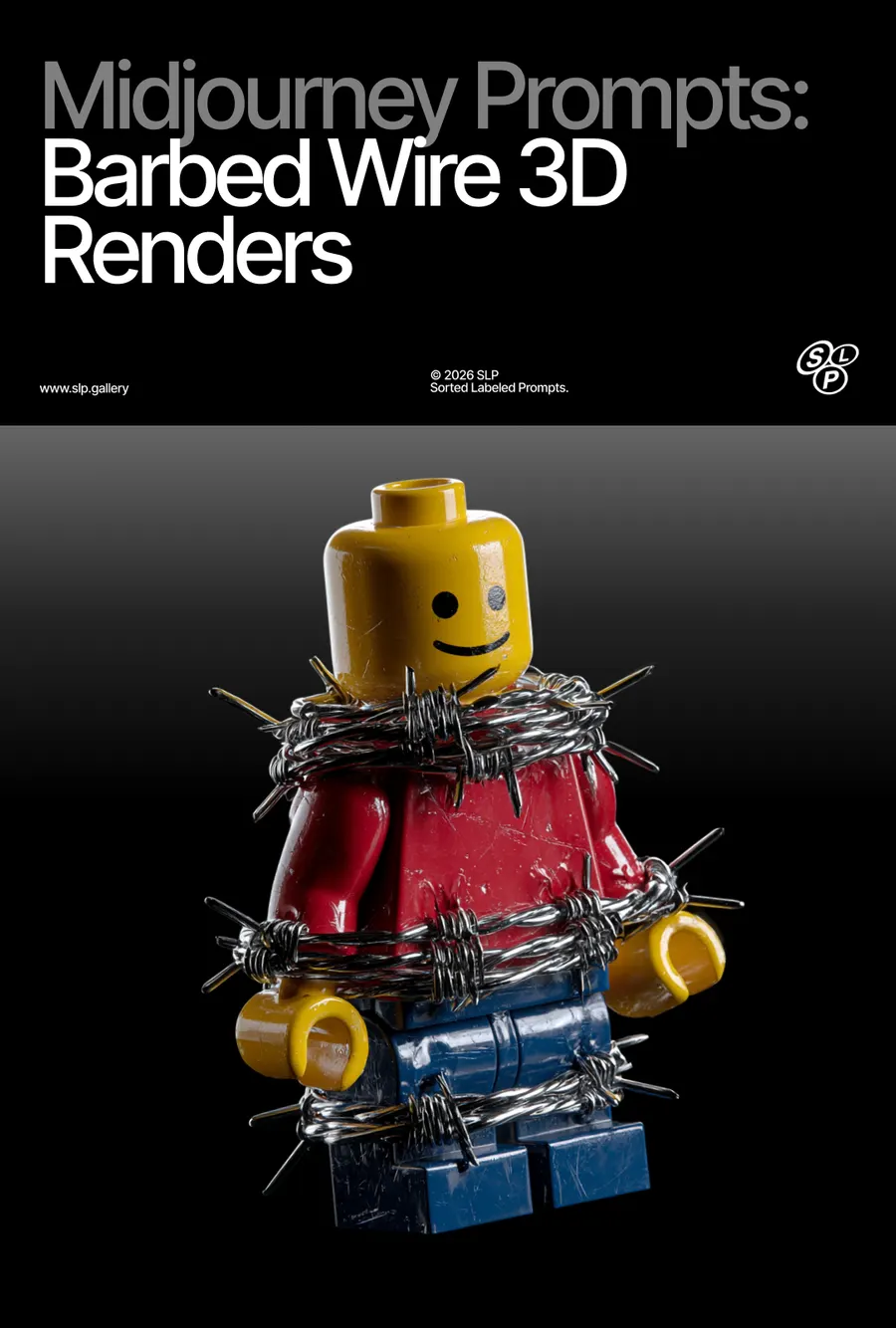

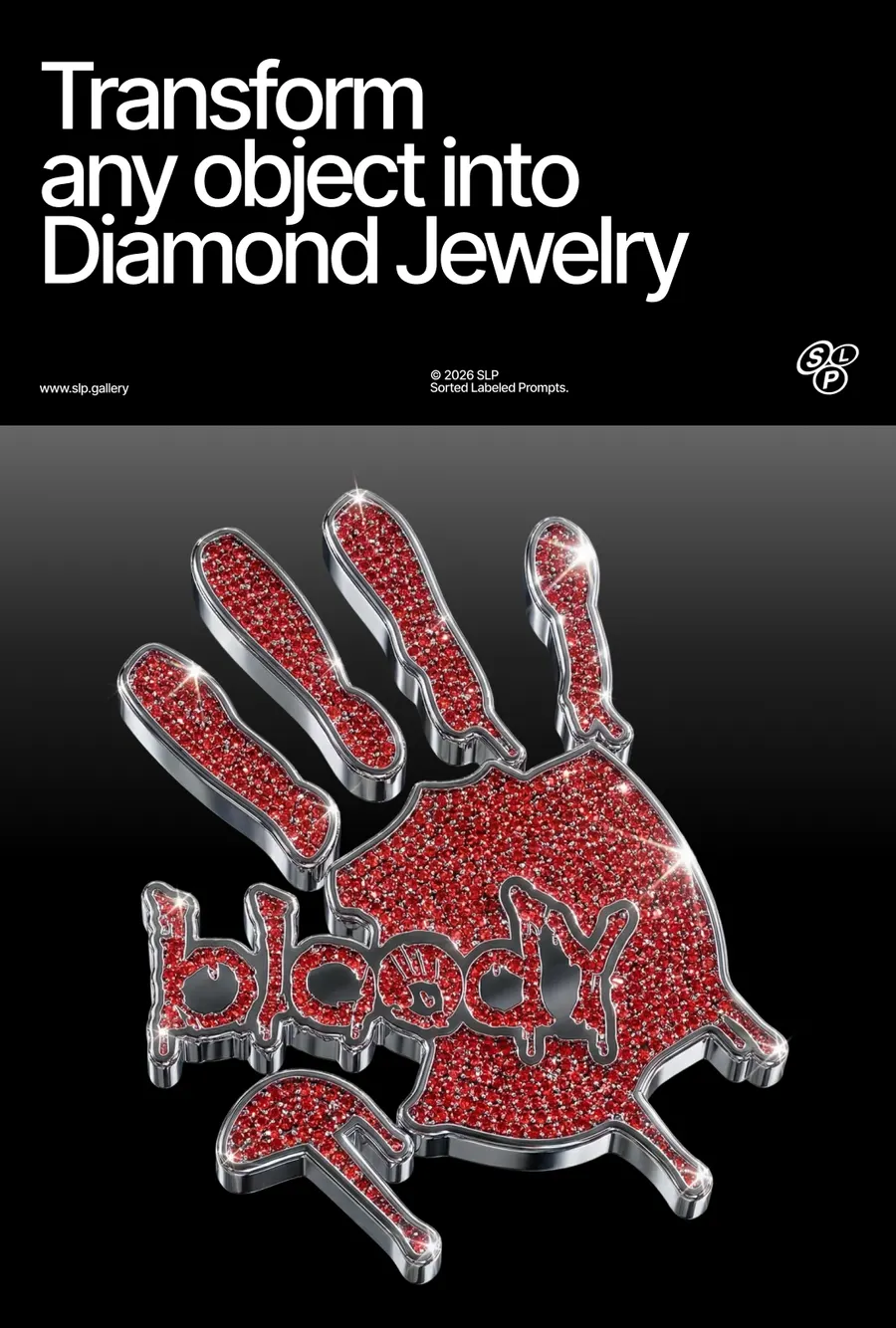

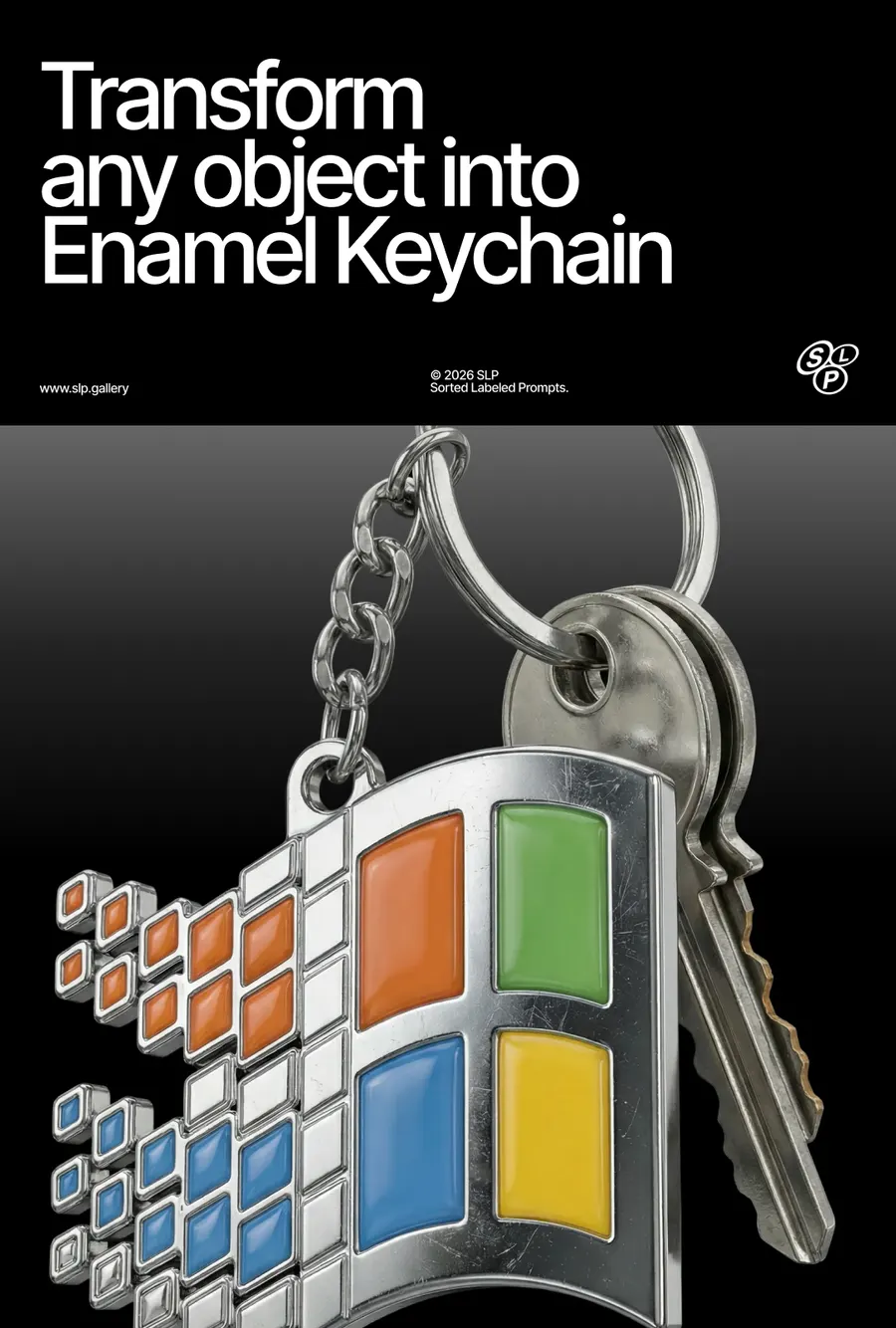

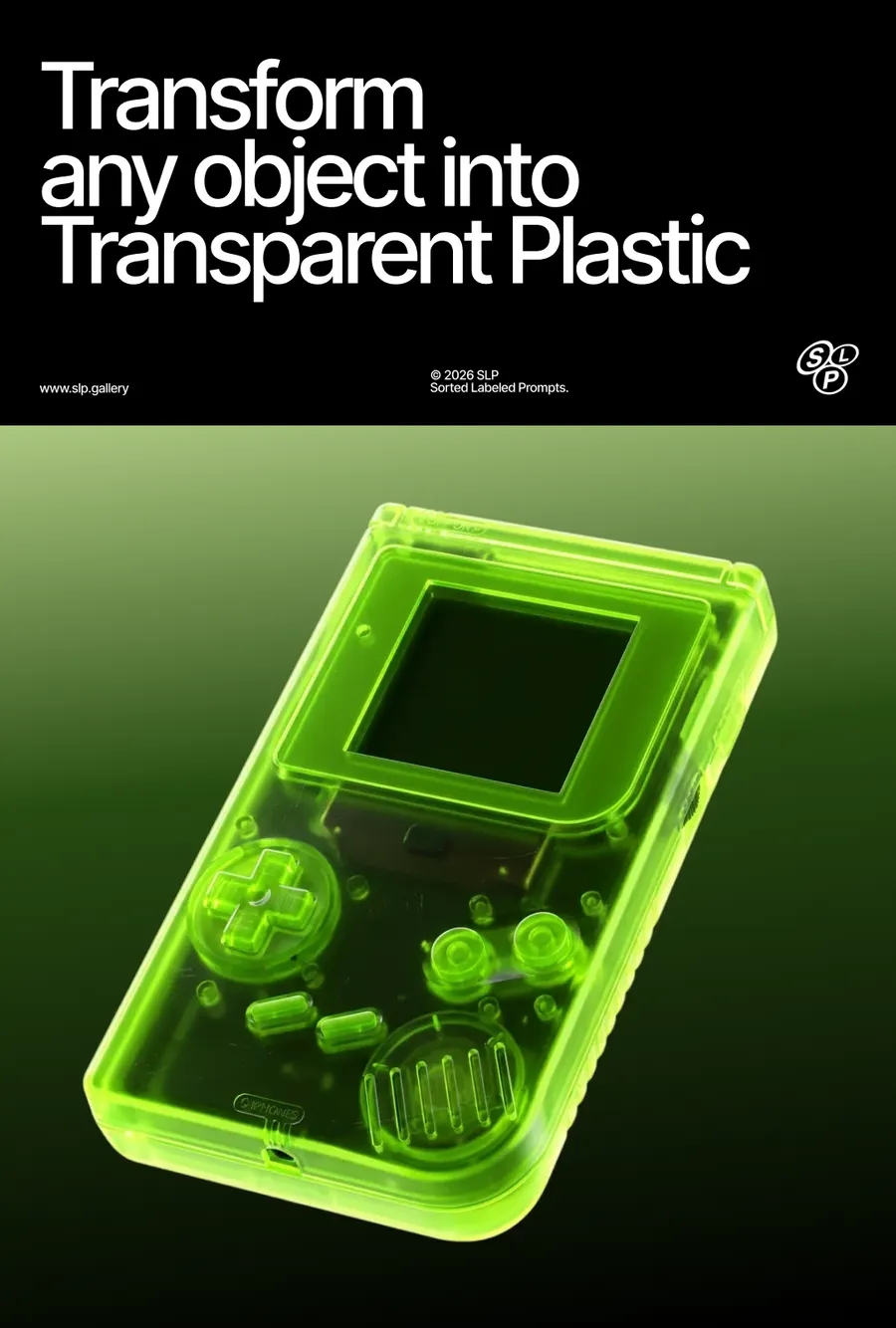





FAQ
If you've generated an image in Midjourney and you're not happy with the background, the angle, or the details of the object itself, the easiest way to edit it is using Images 2.5 or Nano Banana Pro. Use a simple prompt and describe only what you want to change — for example
For a 360° turntable animation I use Kling 2.5 Turbo on Higgsfield — it gives the best results. You can also use Midjourney's animation, but its quality is noticeably worse.
I use a simple prompt:
If you're generating in Midjourney, don't enable the Loop feature — right now it produces buggy results.
On a free Google Flow account, by my own count: roughly 250 generations every 24 hours on Nano Banana 2, around 10 to 20 on Nano Banana Pro, and about 250 again on Nano Banana 2 Lite, which carries an allowance of its own. All three reset on a 24-hour cycle, and a refused generation is not charged.
Everything here was made mostly on Nano Banana 2. Between it and Pro I can't see much difference in the picture, so the cheaper one is usually the right choice. Lite follows a prompt less closely and needs more retries.
Have a question? Just DM @slp.gallery