
All /
Gradient Product Render
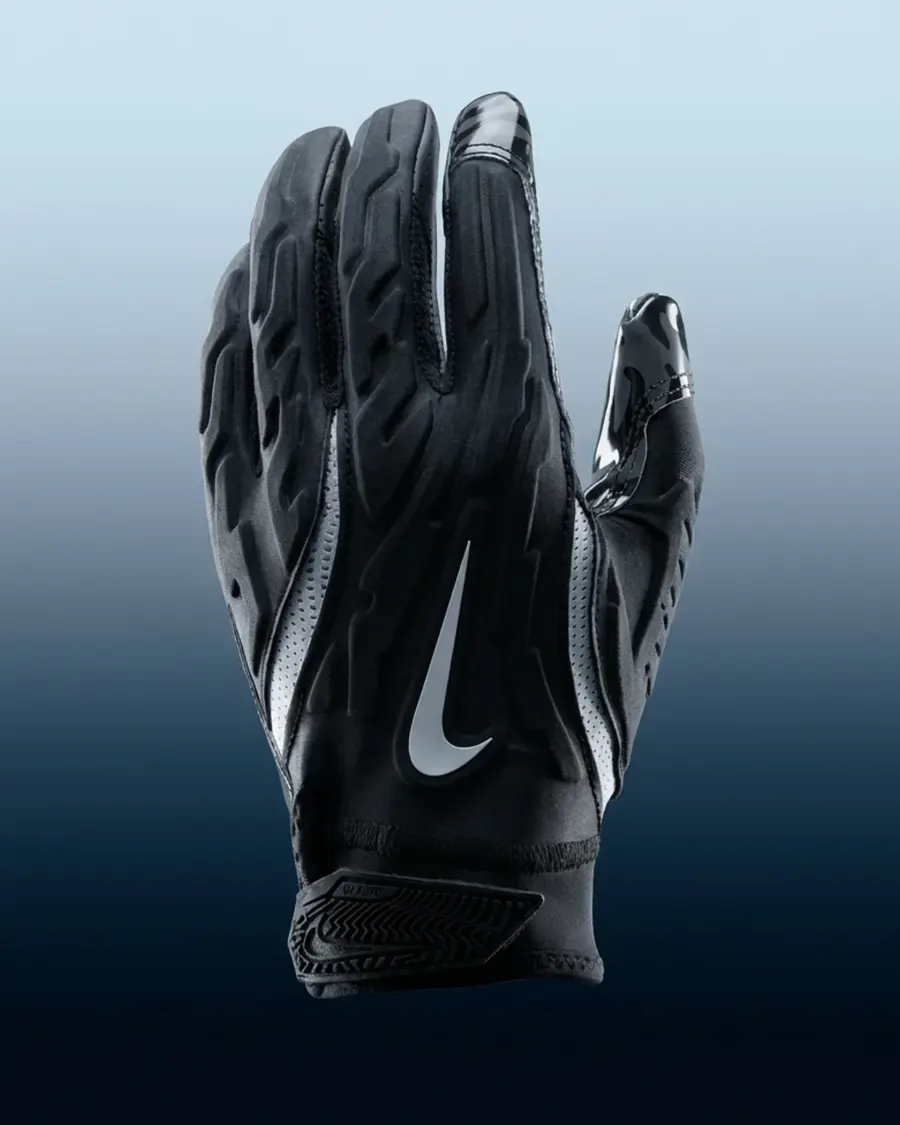
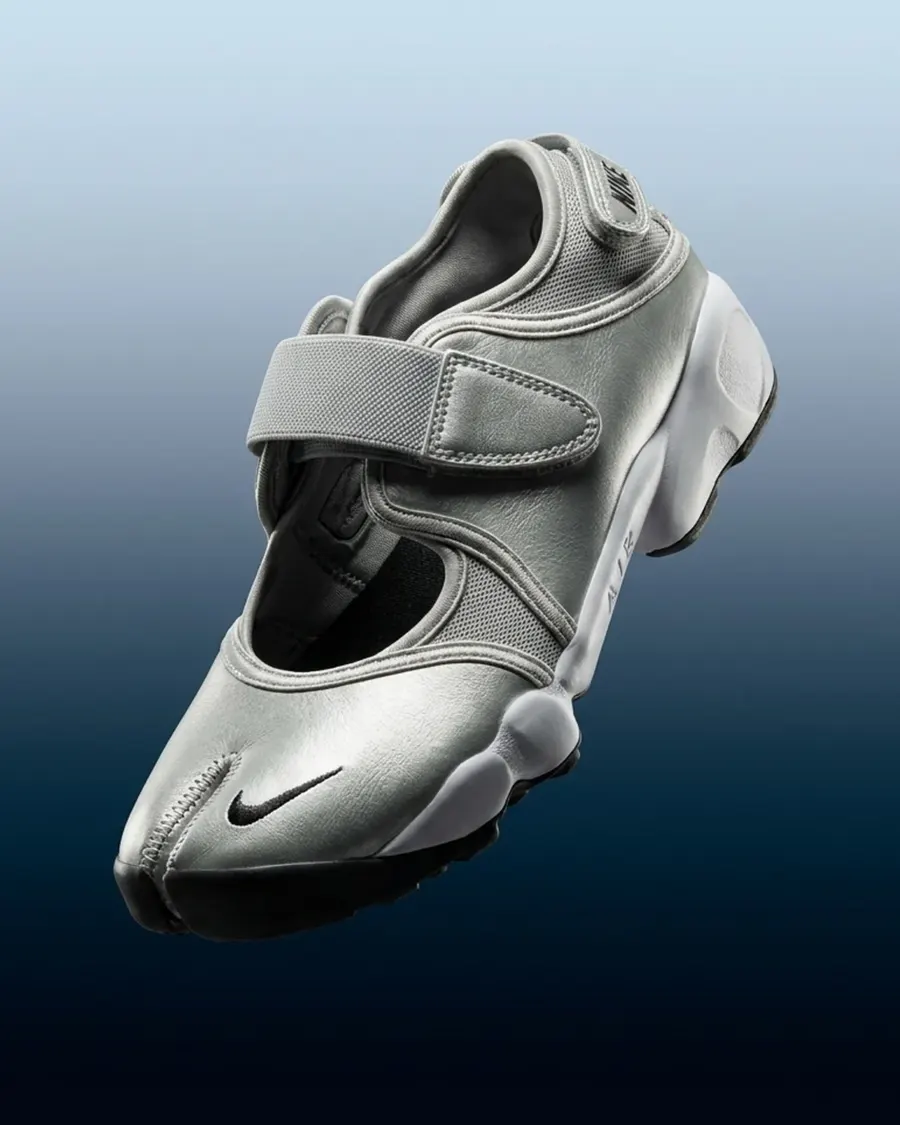
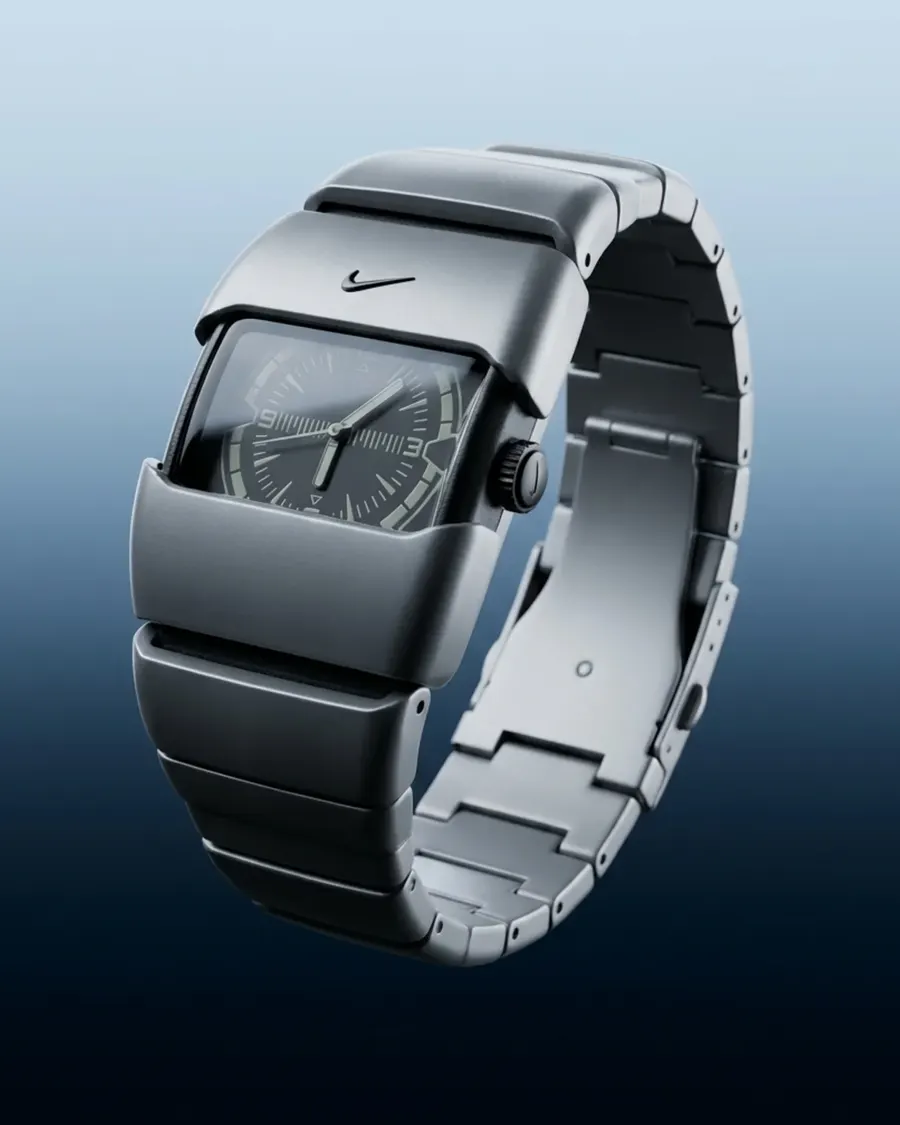
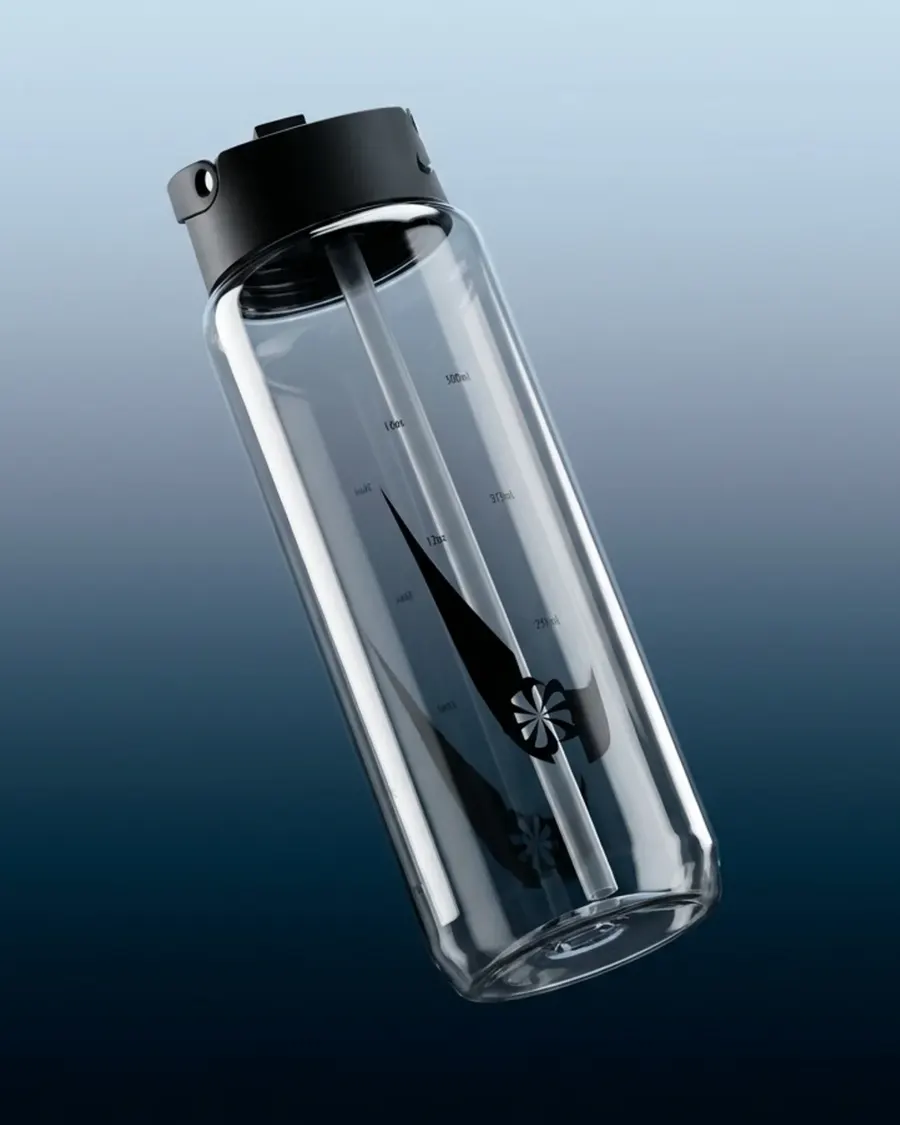
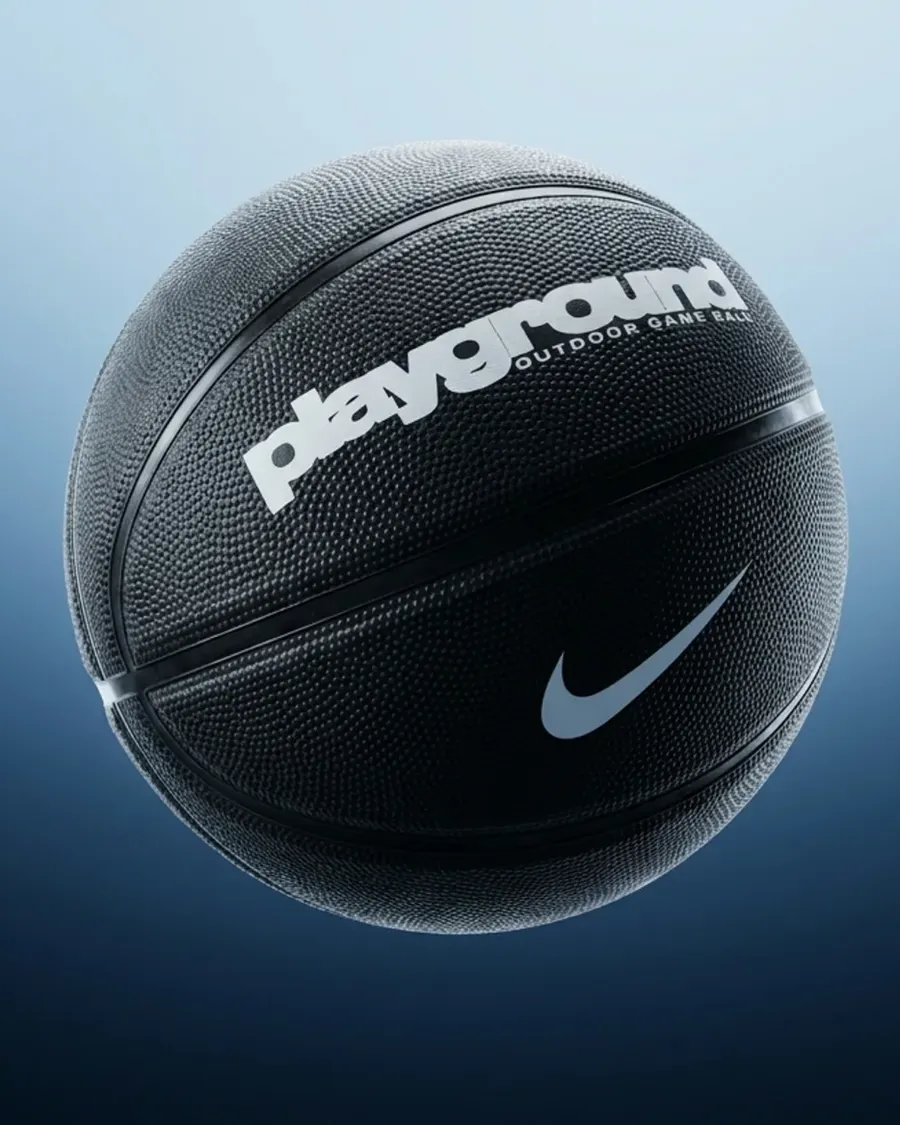
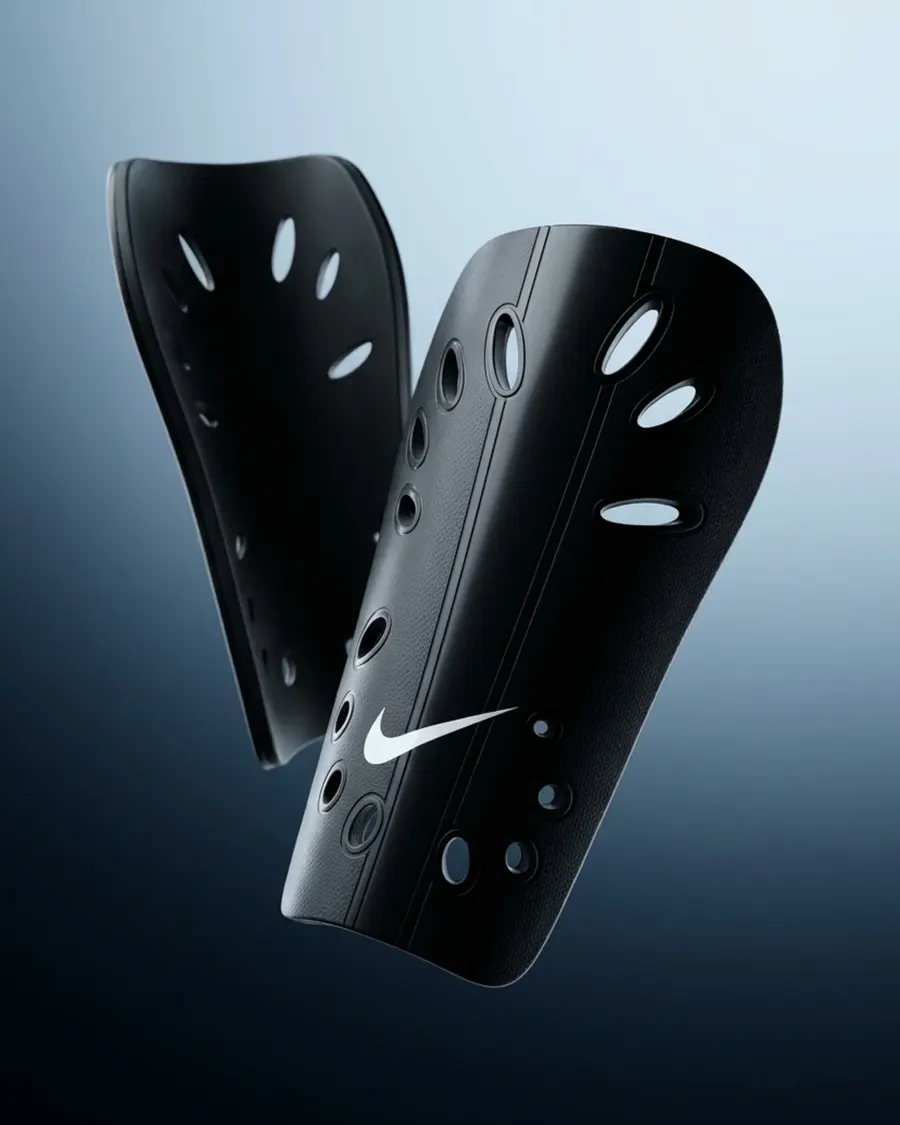
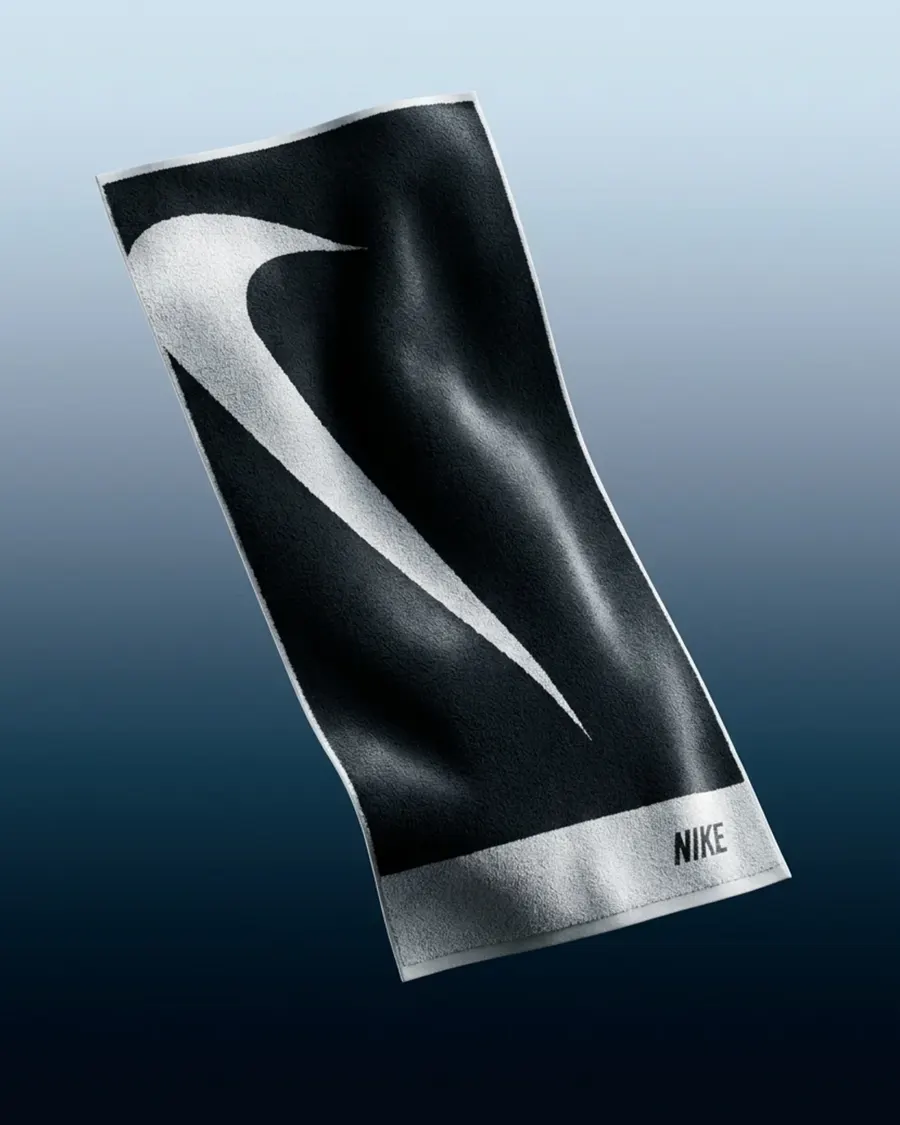
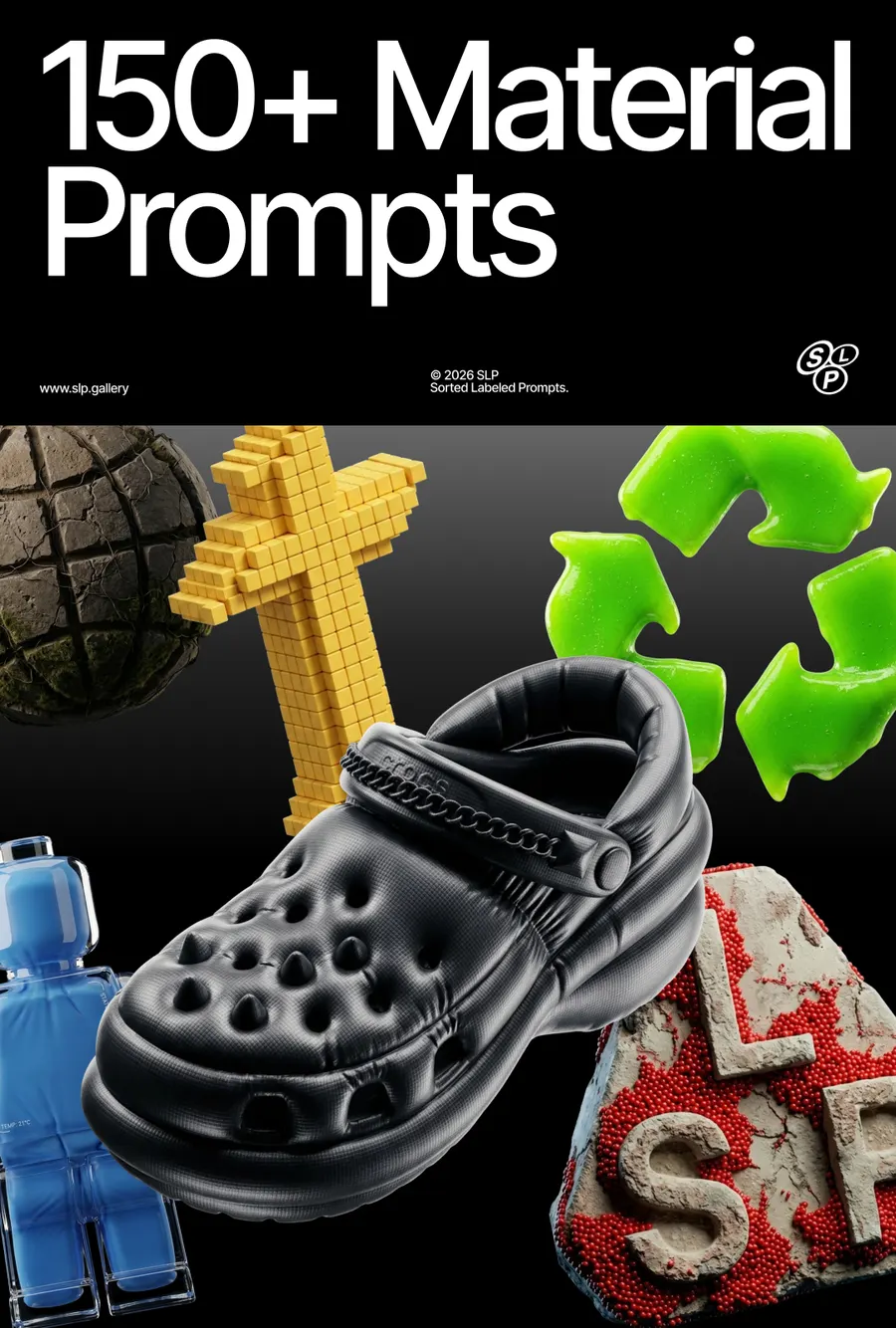
Premium editorial product render using the attached image as the source object. Position the object in a dynamic floating angle, suspended in mid-air as a weightless isolated object. No visible floor, no base, no support, and no cast shadow beneath the object. Use cinematic studio lighting, strong soft highlights, subtle self-shadowing only on the object, realistic reflections, and a premium fashion-tech campaign aesthetic. Background: smooth vertical gradient, transitioning from deep dark navy #000A16 at 0%, to #010C1B at 16%, #031222 at 26%, #052A3C at 37%, #22475C at 47%, #65768C at 54%, #8994AA at 62%, #AABACA at 73%, #CBDDEA at 88%, and pale icy blue #CFE1ED at 100%. Composition: centered floating object, isolated in space, high-end product poster, sharp focus, ultra-realistic 3D render, 8k detail.
More prompts
See all












FAQ
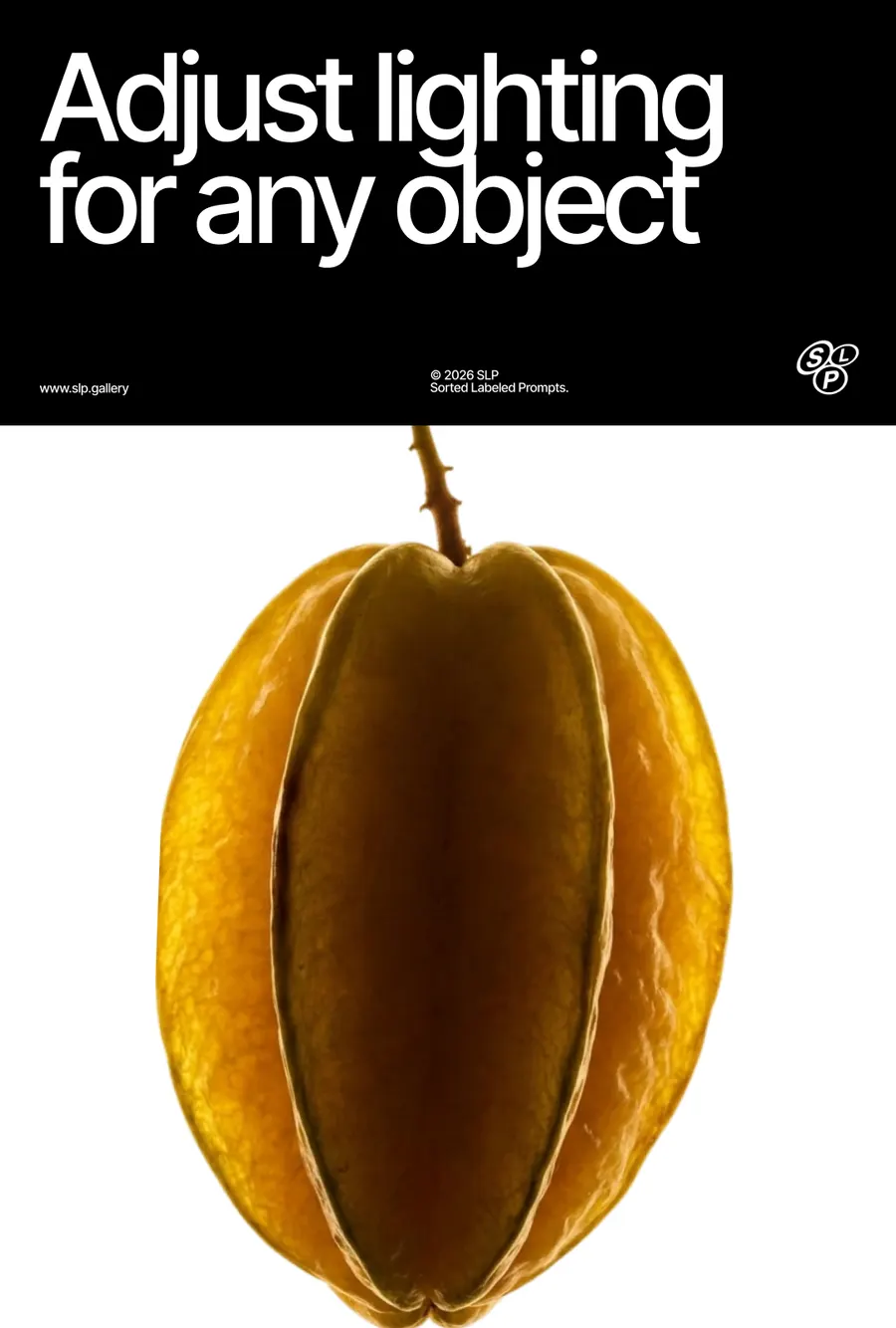
If you've generated an image in Midjourney and you're not happy with the background, the angle, or the details of the object itself, the easiest way to edit it is using Images 2.5 or Nano Banana Pro. Use a simple prompt and describe only what you want to change — for example
For a 360° turntable animation I use Kling 2.5 Turbo on Higgsfield — it gives the best results. You can also use Midjourney's animation, but its quality is noticeably worse.
I use a simple prompt:
If you're generating in Midjourney, don't enable the Loop feature — right now it produces buggy results.
On a free Google Flow account, by my own count: roughly 250 generations every 24 hours on Nano Banana 2, around 10 to 20 on Nano Banana Pro, and about 250 again on Nano Banana 2 Lite, which carries an allowance of its own. All three reset on a 24-hour cycle, and a refused generation is not charged.
Everything here was made mostly on Nano Banana 2. Between it and Pro I can't see much difference in the picture, so the cheaper one is usually the right choice. Lite follows a prompt less closely and needs more retries.
Have a question? Just DM @slp.gallery