Enamel Keychain
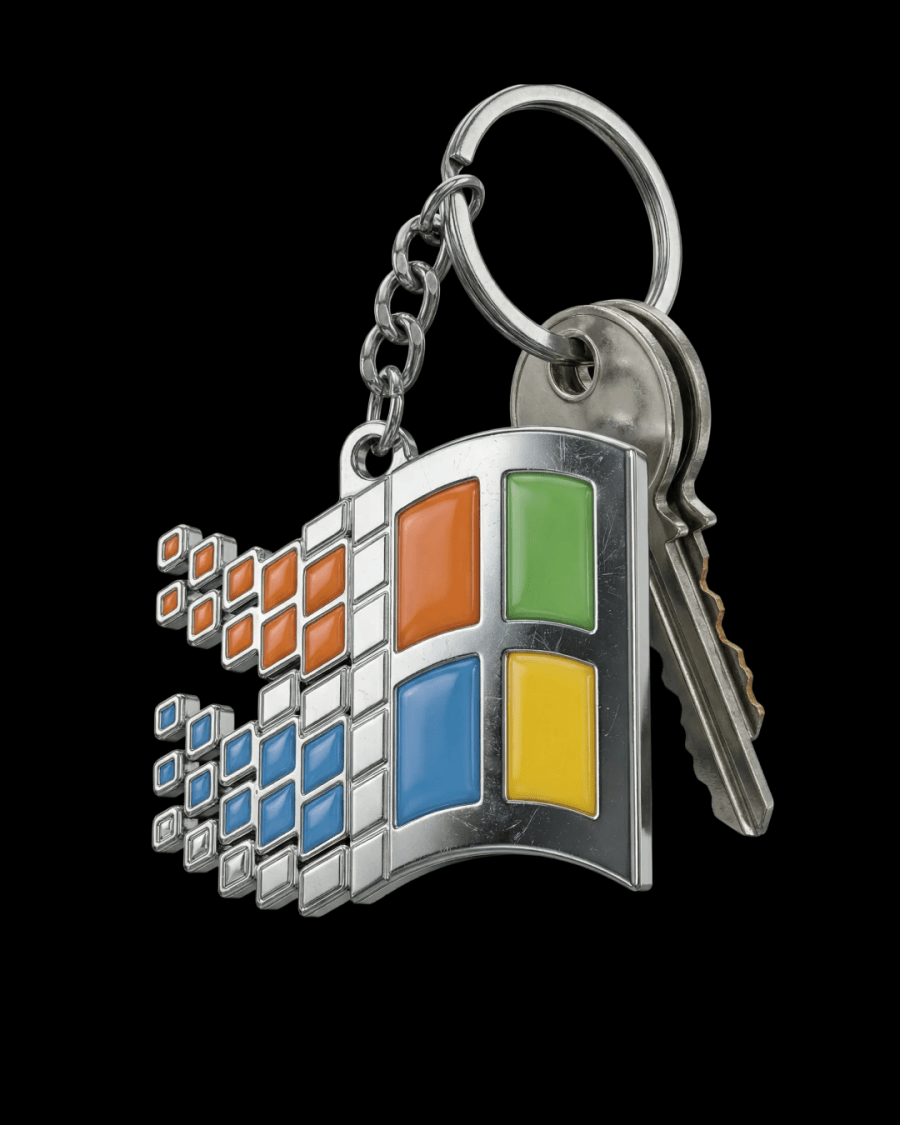
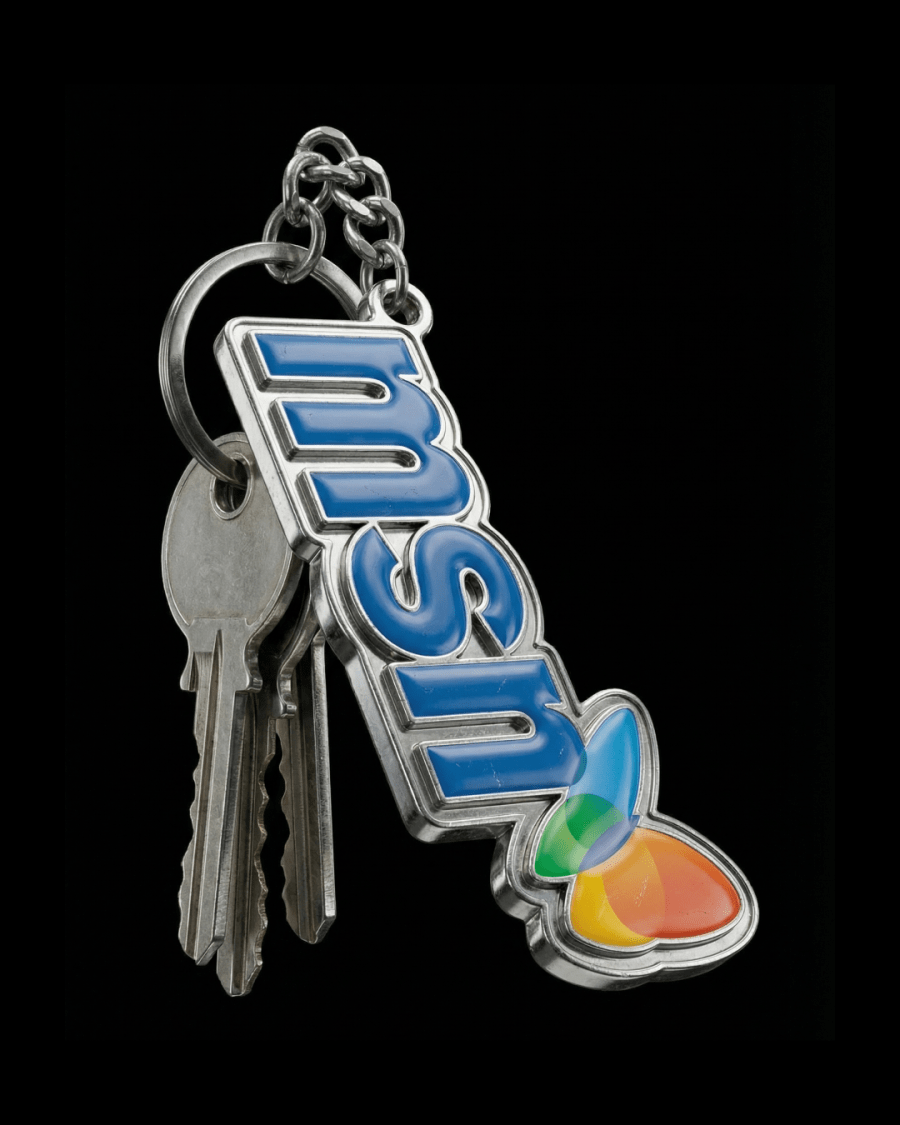
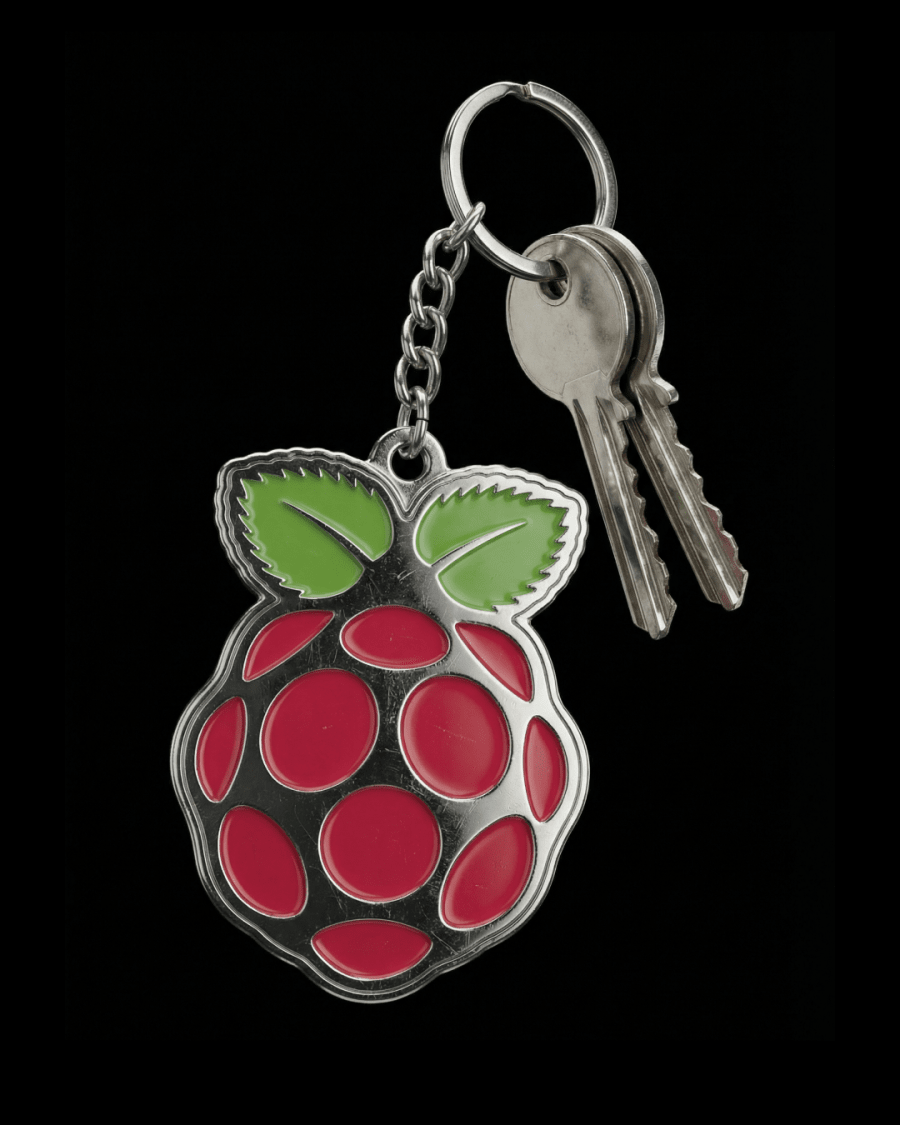
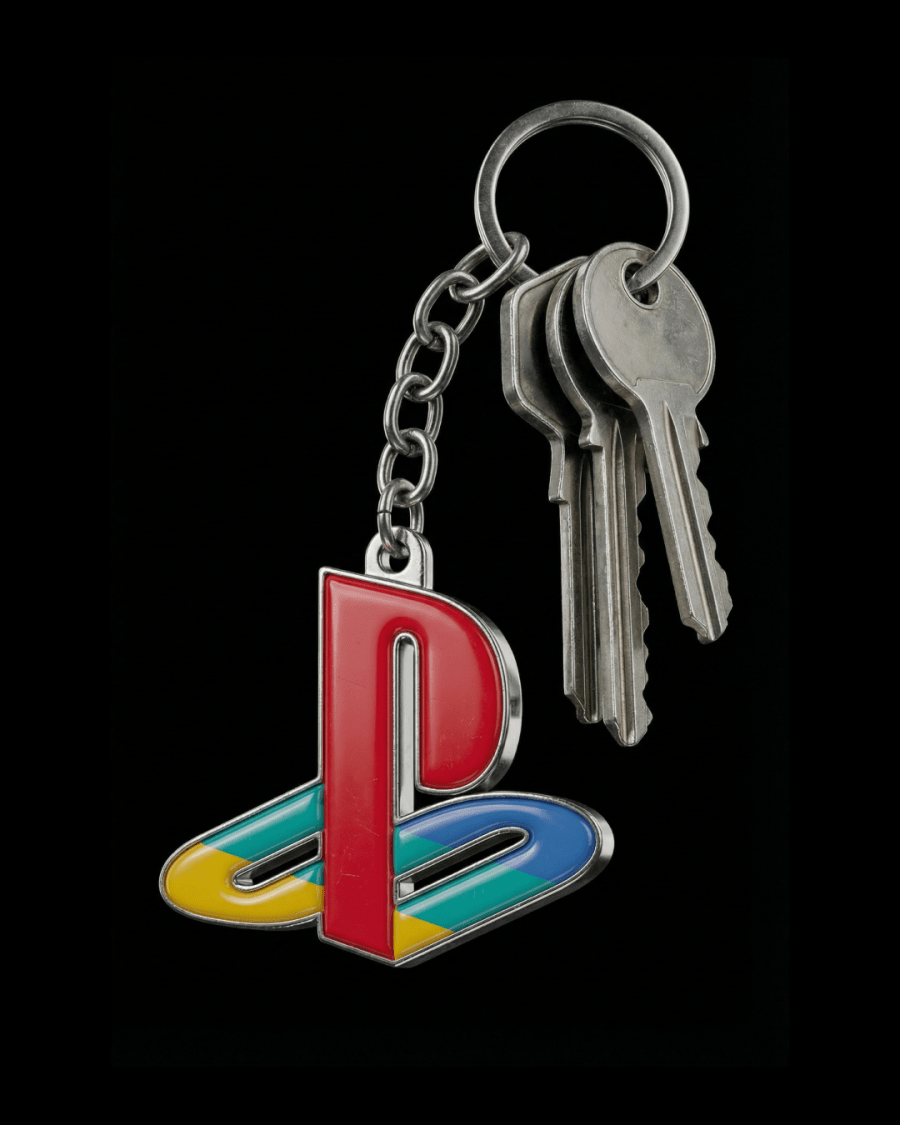
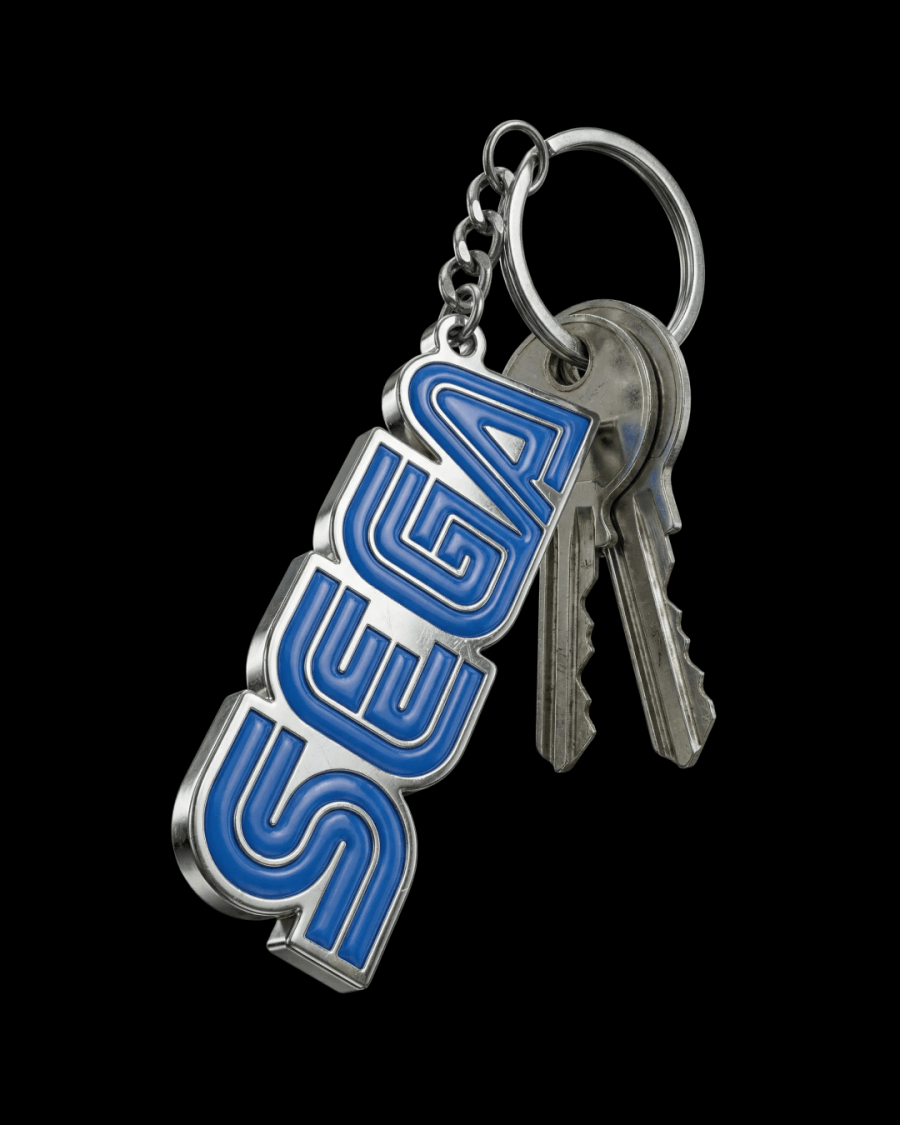
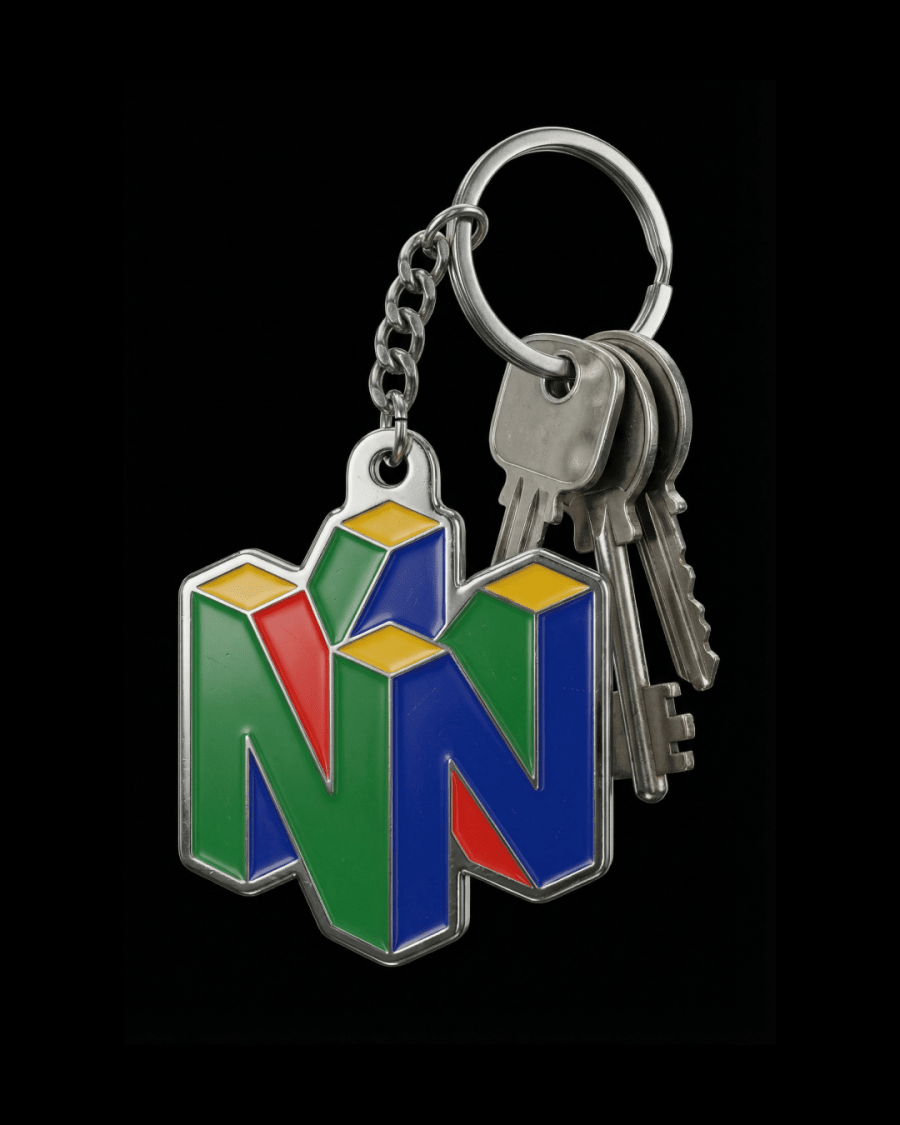
A photorealistic studio product render of object made as a physical metal keychain. The object is a solid metal badge filled with real coated enamel in color. The enamel is slightly domed, thick, and glassy with natural light falloff and subtle surface depth, not glowing and not neon. All edges and inner contours are polished chrome-plated metal with realistic reflections, fine micro-scratches, slight imperfections, and natural wear typical of real keychains. The badge is attached through a small drilled metal eyelet to a short heavy steel chain connected to a round key ring. Several realistic metal keys hang from the ring, showing natural weight, gravity, and contact shadows. Lighting is realistic studio photography: softbox reflections, subtle gradient highlights, strong material contrast, and accurate shadowing that grounds the object physically. Ultra realistic materials, real-world scale, physically accurate metal and enamel, no glow, no stylization, no CGI look. floating against black background
FAQ
If you've generated an image in Midjourney and you're not happy with the background, the angle, or the details of the object itself, the easiest way to edit it is using Images 2.0 or Nano Banana Pro. Use a simple prompt and describe only what you want to change — for example
For a 360° turntable animation I use Kling 2.5 Turbo on Higgsfield — it gives the best results. You can also use Midjourney's animation, but its quality is noticeably worse.
I use a simple prompt:
If you're generating in Midjourney, don't enable the Loop feature — right now it produces buggy results.